Published on April 16th, 2026
New in Sharetribe 🎉 More small improvements
We’ve made a ton of small improvements to Sharetribe in 2026 so far. From adding reviews manually in Console to help texts for custom fields, we've focused on building the small yet impactful things marketplace founders building on Sharetribe have requested.
So far in 2026, we’ve shipped a lot of small improvements to Sharetribe.
The updates don't follow a single theme. They range from manually adding reviews to new custom field types. But they have one thing in common: they’re inspired by your feedback.
Read on to learn about each one.
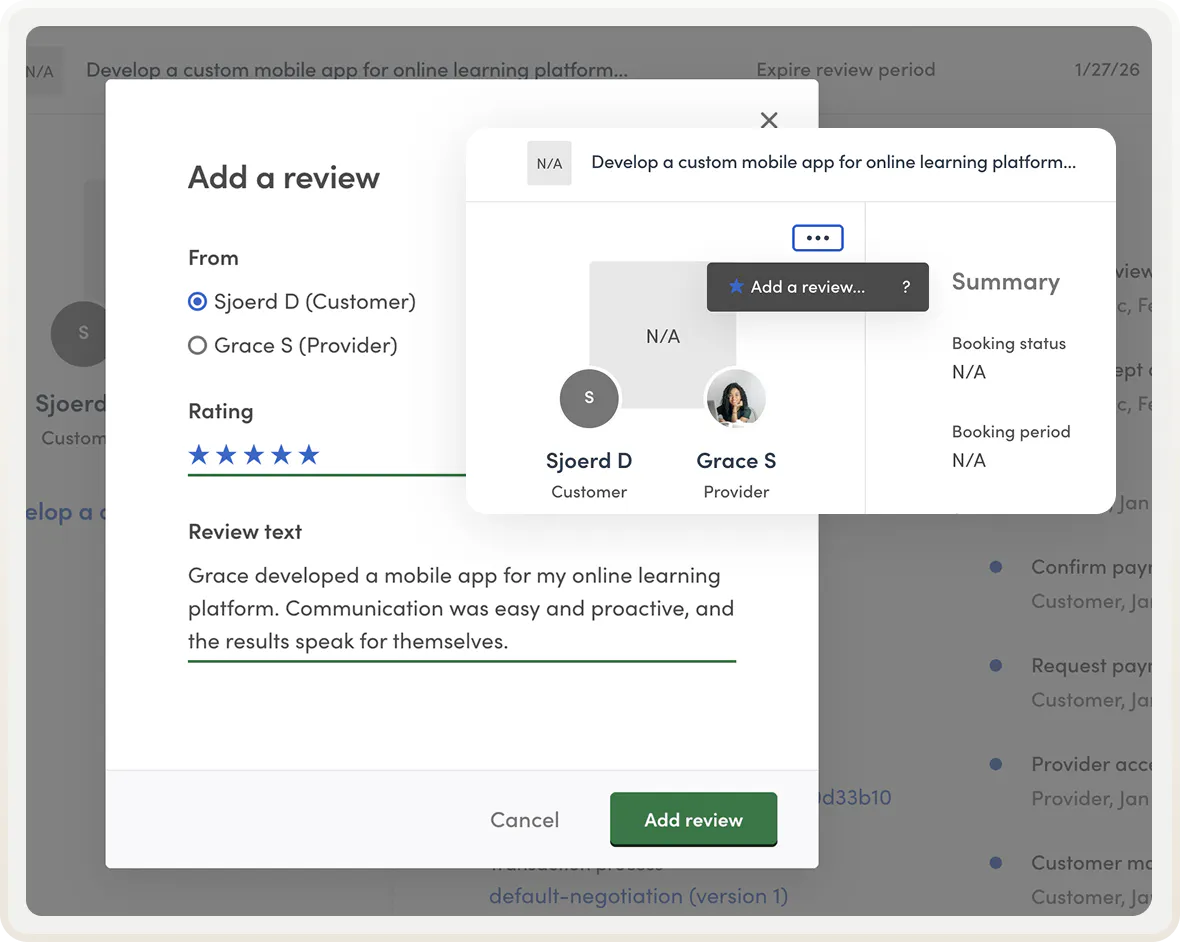
Add a review in Console
Sometimes a review period expires before users get around to leaving their feedback. Or a user leaves their review in the private transaction conversation. On marketplaces that use free messaging without online payments, there's no built-in review flow at all. So how do you make sure you capture all reviews?
You can now add reviews manually in Console for any transaction where reviews haven't yet been submitted. Learn how to add a review in Console.
New text field types: Single-line text and Long text
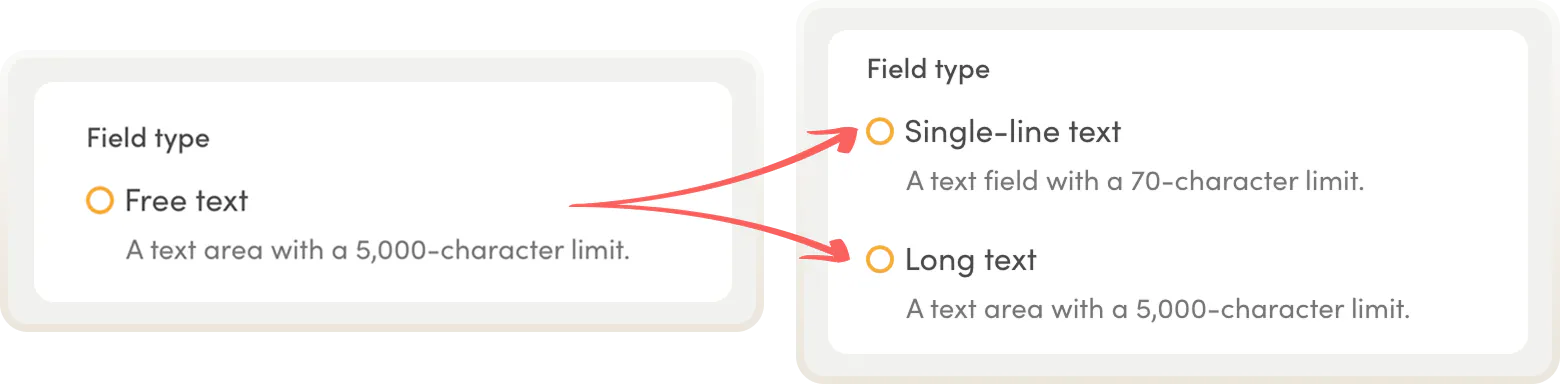
Previously, you had the option to add a Free text custom field to your listing creation, user signup, or transaction flow. It was always rendered as a text area with a 5,000-word character limit.
We split the field into two fields to support more varied use cases:
- Single-line text: a compact, single-line input for short answers, up to 70 characters.
- Long text: a text area for longer, open-ended content with a 5,000-character limit. This replaces the old free text field.
Both are available for every kind of custom field: listing fields, user fields, and transaction fields.
Help texts for custom fields
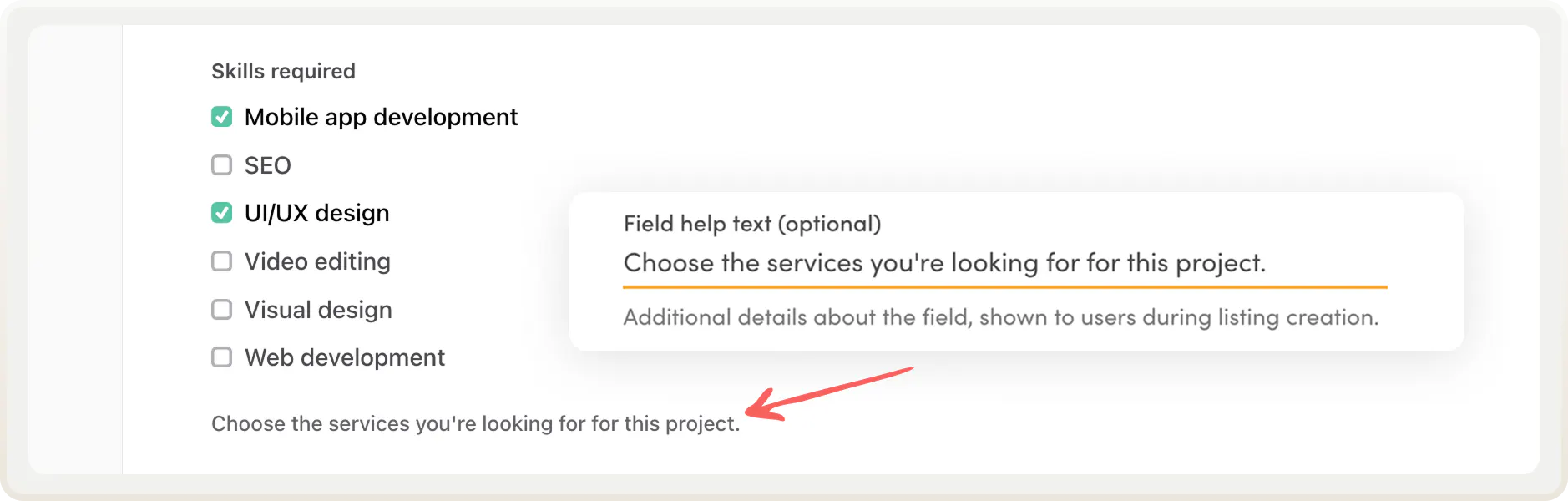
You can now add a help text to any custom field. The help text appears below the field during listing creation, user signup, or starting a transaction. Help texts are useful for giving context, showing an example, or explaining the expected format.
You'll find the option to add a help text in listing, user, or transaction field settings after choosing the field type.
Turn off listing descriptions
The listing description is a default field available for every listing type, but it doesn't fit all marketplaces. Some listings are better described through structured custom fields only. Others need a different long text field placed lower on the page.
You can now disable the listing description in your listing type settings in Console.
Link to listing creation with a pre-selected listing type
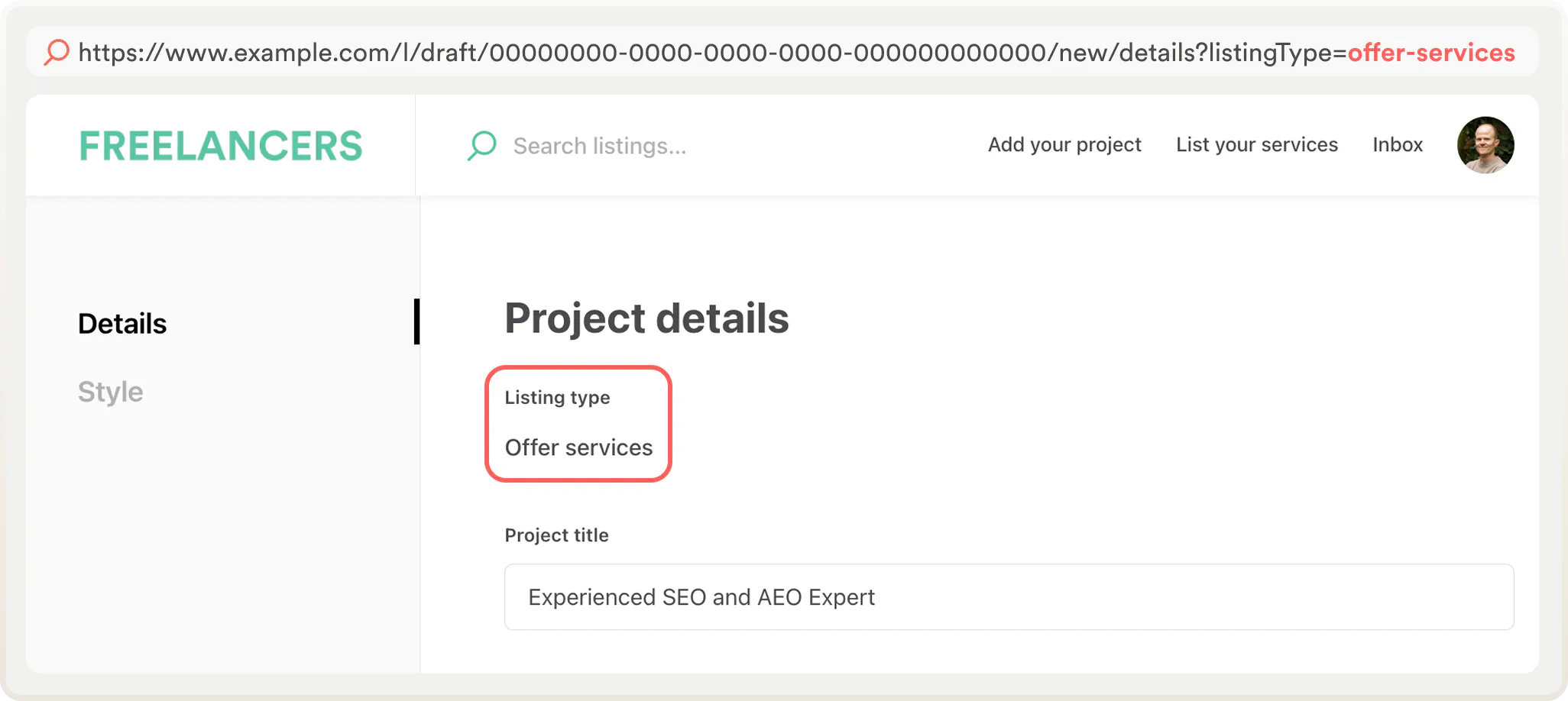
If your marketplace has more than one listing type, users normally have to choose between them at the start of creating a listing. You can now let them skip that step by linking directly to a listing creation form with a listing type already pre-selected.
The internal link format is:
/l/draft/00000000-0000-0000-0000-000000000000/new/details?listingType=[listing-type-id]
For example, the URL for a creating a listing for offering services could be:
www.example.com/l/draft/00000000-0000-0000-0000-000000000000/new/details?listingType=offer-services
This makes it easier to direct different user types to the relevant listing creation flows. You can add the link to your landing page or top bar, or create email notifications with links to the correct listing type creation.
Updated Figma template
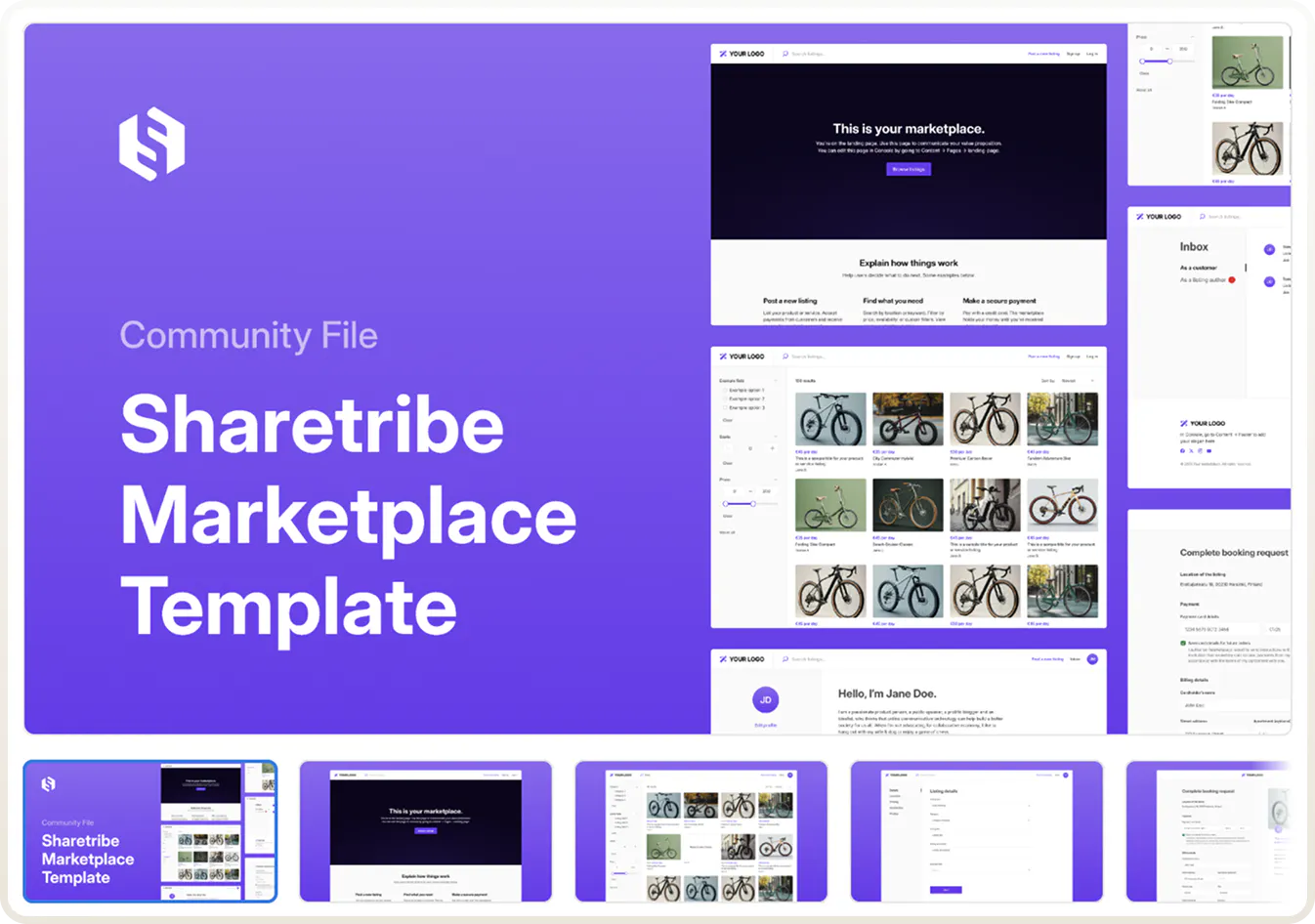
The design files for the Sharetribe Web Template are now fully up to date and available in Figma. The older Sketch version has been deprecated.
If you're working with a designer on customizing your marketplace (or are one yourself), point them to the Figma file here.
That covers everything in this batch! Stay tuned for our next launch, metadata fields, in just a couple of days.
Log into Console to try these features, or visit our changelog for the full list of updates.
The features above originally came up in our conversations with marketplace founders. What would you like to see added to Sharetribe? Let us know—it might end up on our roadmap in the future.
Start your 14-day free trial
Create a marketplace today!
- Launch quickly, without coding
- Extend infinitely
- Scale to any size
No credit card required