Essential marketplace features
Start at 90% done with our no-code marketplace builder
Users and listings
Launch your marketplace with a streamlined user experience



User profiles
Get a seamless signup process, beautiful user profiles, and storefronts
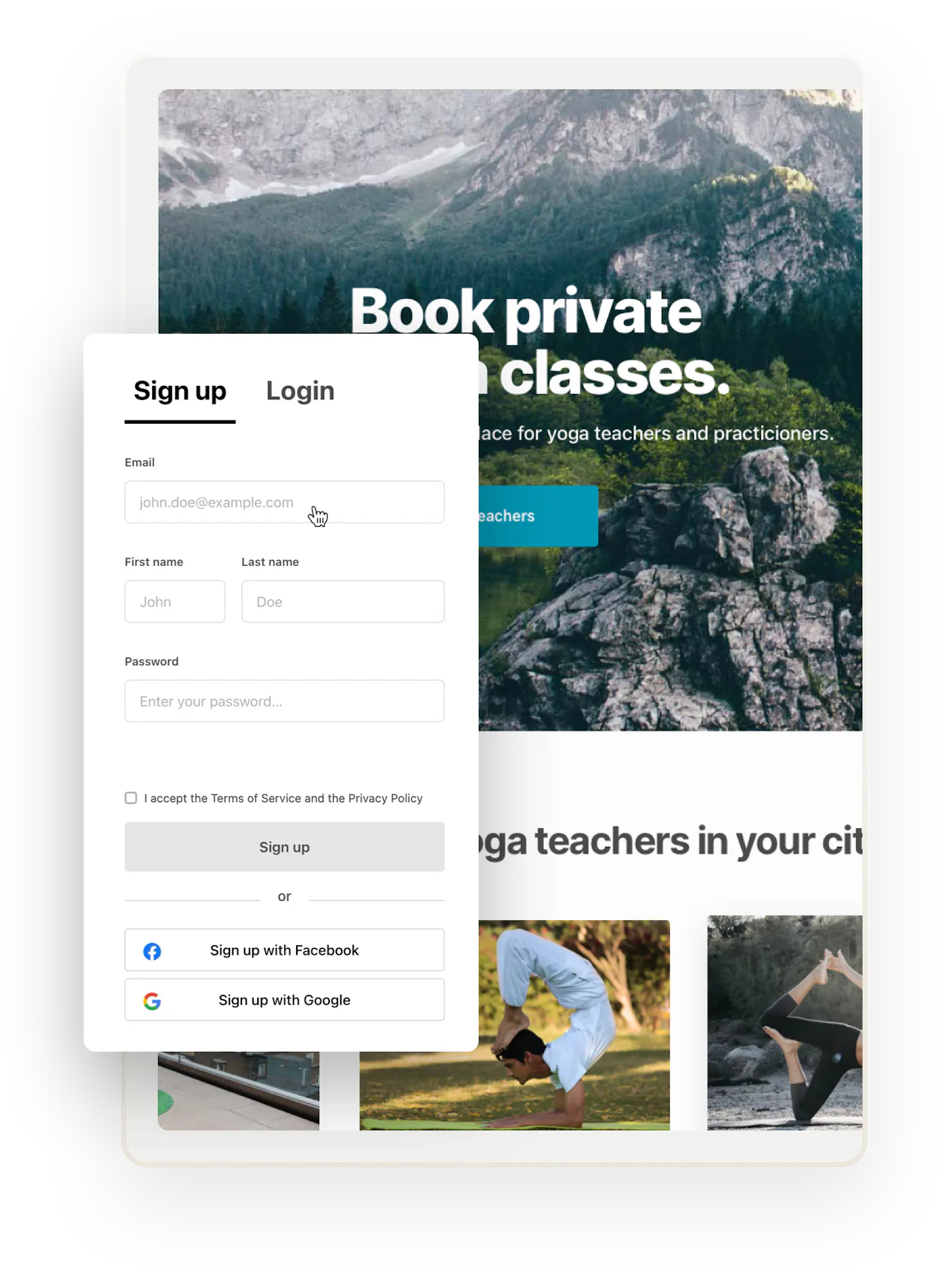
Users sign up easily with email through a simple form and determine their passwords. The signup includes email verification to make sure everyone receives important notifications from the marketplace. You can also enable login through built-in integrations with Google and Facebook.
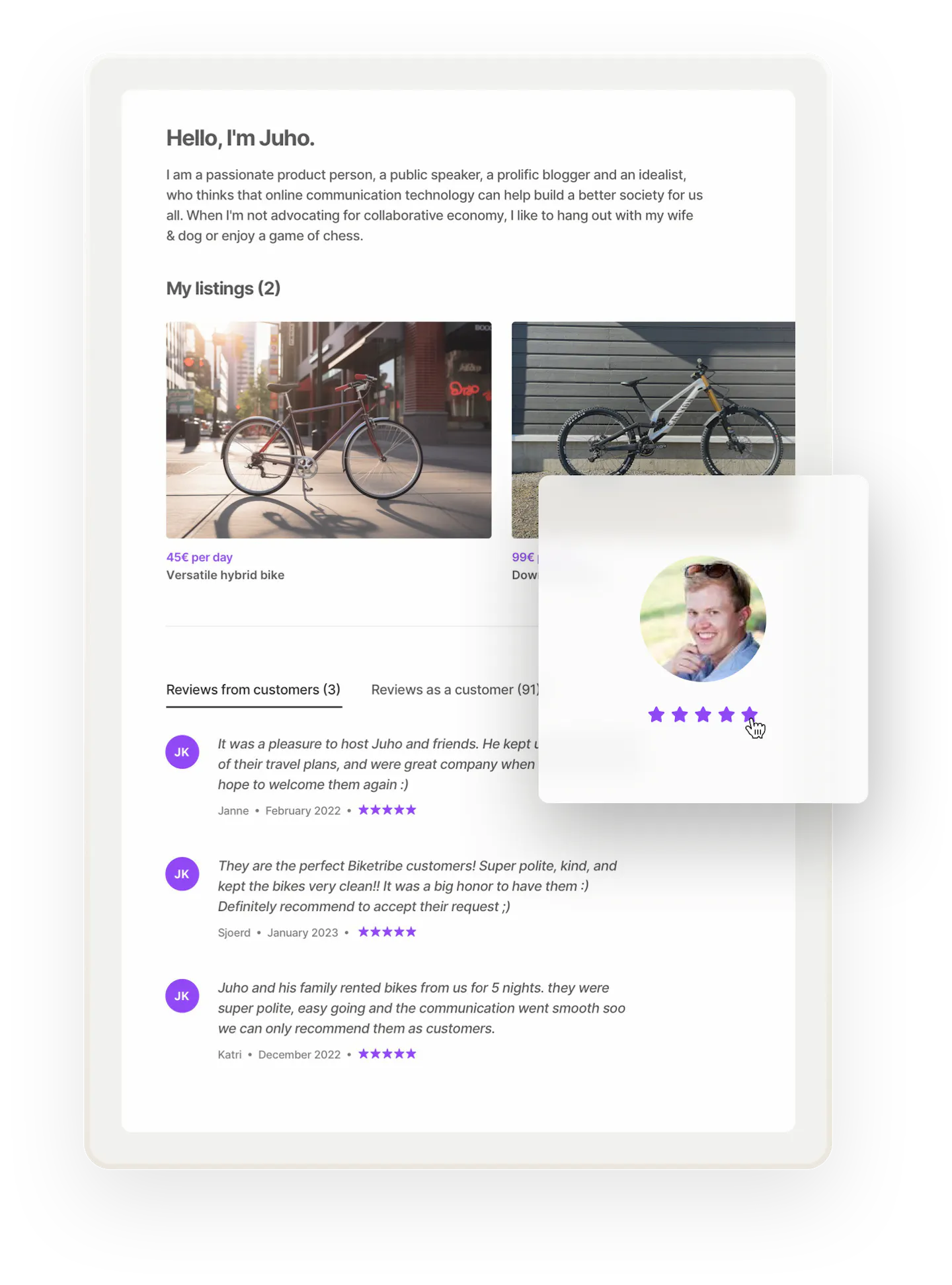
Every user gets a profile where others can get to know them. The profiles include a name, description, custom details, listings, and previous ratings from others to create trust.
Supplier profiles double as public storefronts that display their listings, reviews, and more.
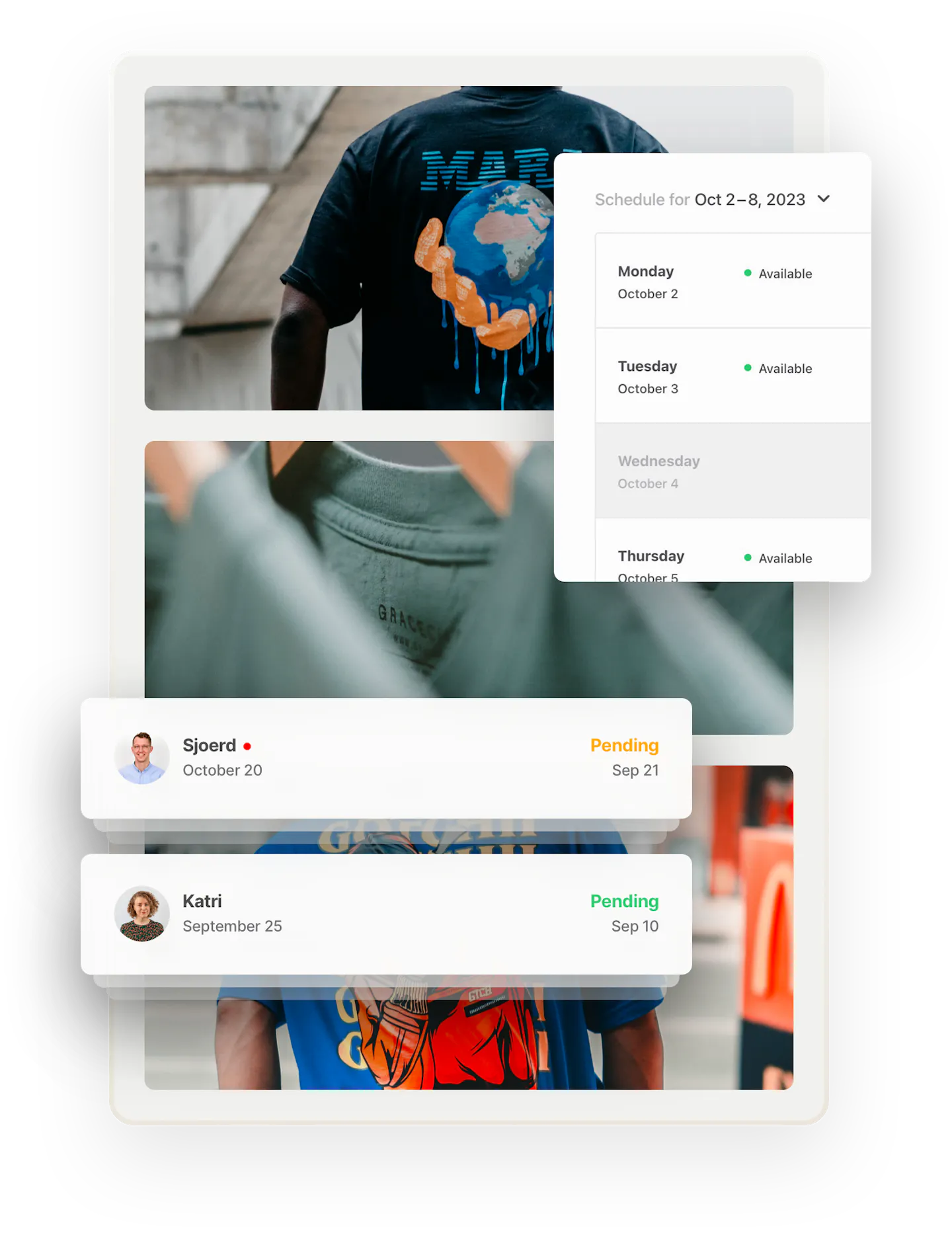
Users manage their profile, details, account, and payment details in their dashboards. Customers can easily find their orders and messages. Suppliers can also see pending orders and manage their listings and payout details.
Customize your marketplace's onboarding flow and user profiles to your needs. Create different user groups, such as providers and customers. Ask them for different information during signup. Control what each user type sees in their account. Add operator-controlled metadata to assign things like verification or power-user status.




Listing types
Decide how customers interact with listings
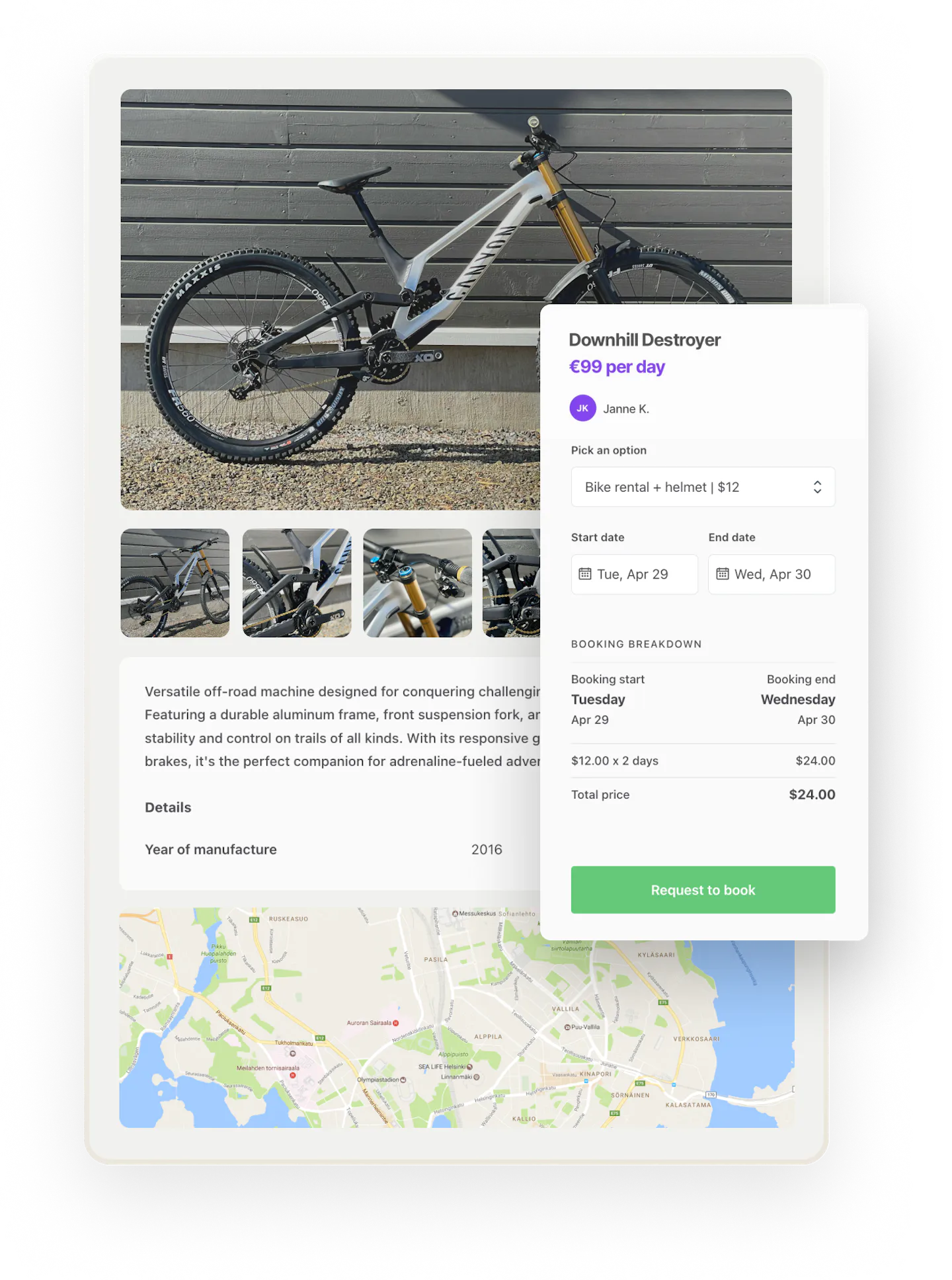
Bookings in a Sharetribe marketplace can have availability by the day, night, or hour—or you can let providers determine another length for bookings. You can also decide if bookings should have one or multiple seats per time slot and if providers can add multiple price variations to listings.
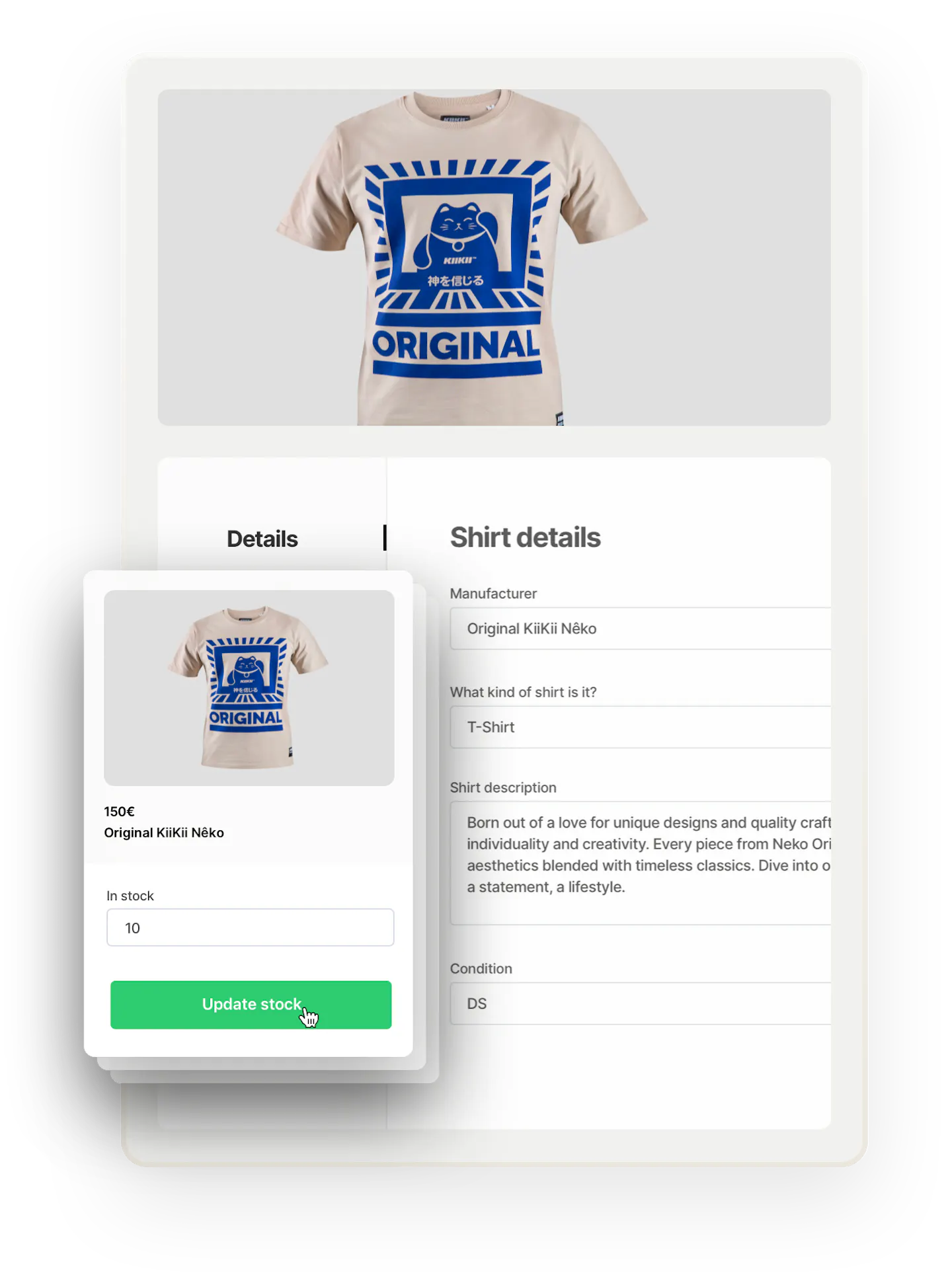
Sell products with inventory. Choose one-item inventory for unique items and multiple-item inventory for new products.
Build a marketplace where customers and suppliers can negotiate on the price, using a regular or reverse transaction flow. Customers can request for quotes from providers or post requests on the marketplace and get multiple offers.
Make transactions conversations without online payments with the free messaging feature. Perfect for sites where the matching itself is the value.
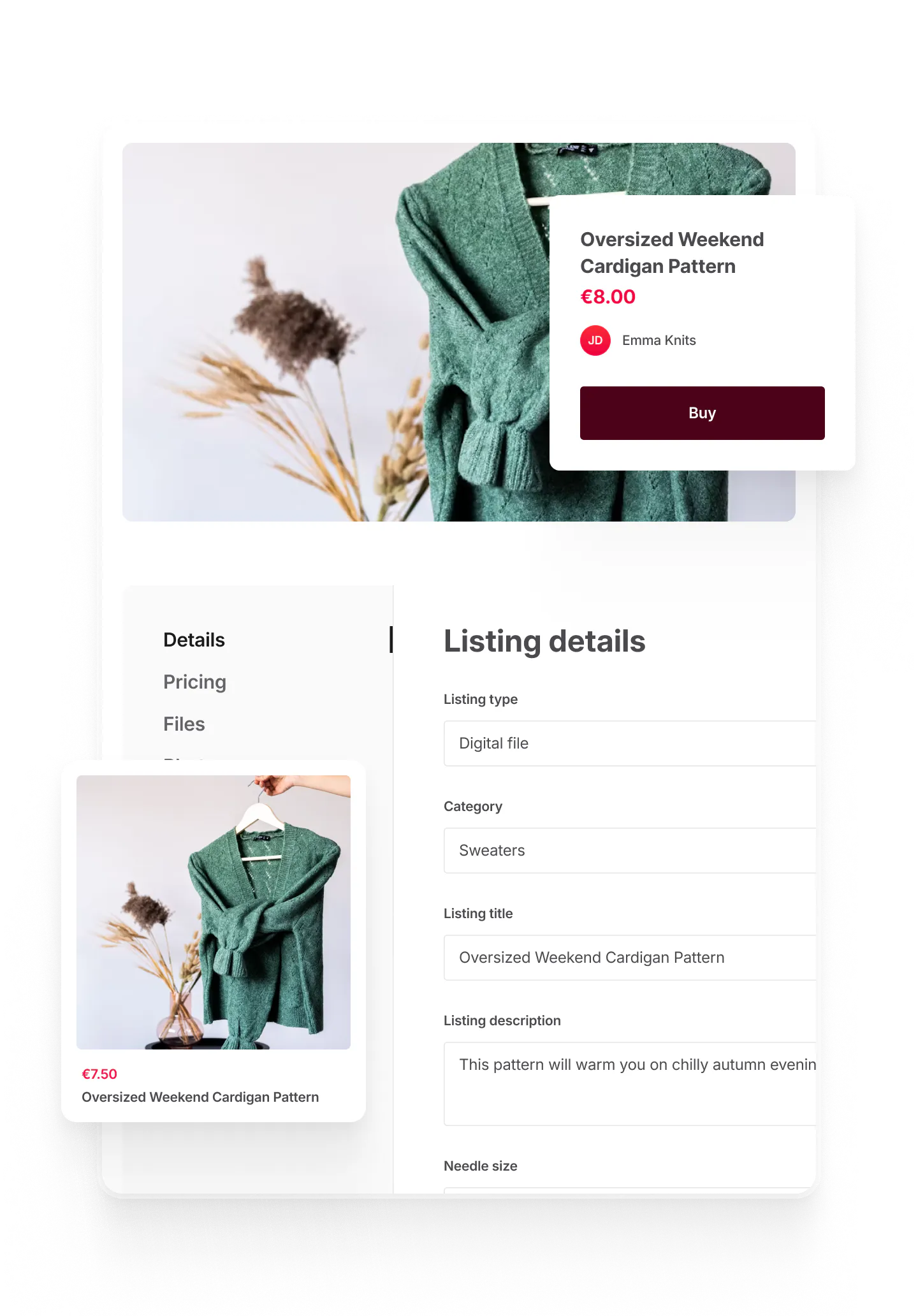
Let sellers upload files directly to listings: up to ten files, 1GB per file. The files are delivered automatically to the buyer after purchase.
Allow multiple different transaction flows in your marketplace by creating different listing types. Configure up to 20 listing types without coding.
Listing creation
Tap into a powerful, built-in listing creation flow
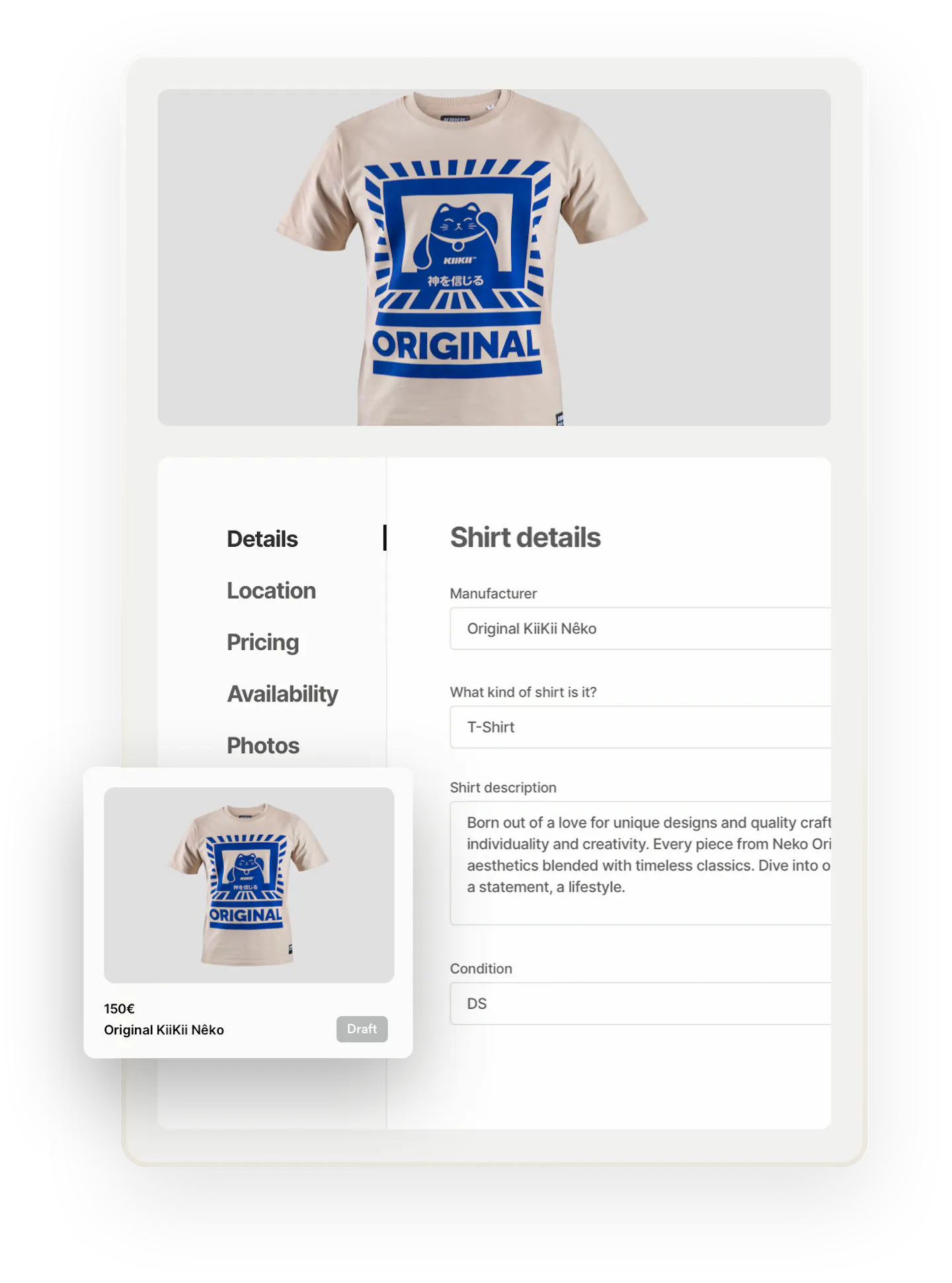
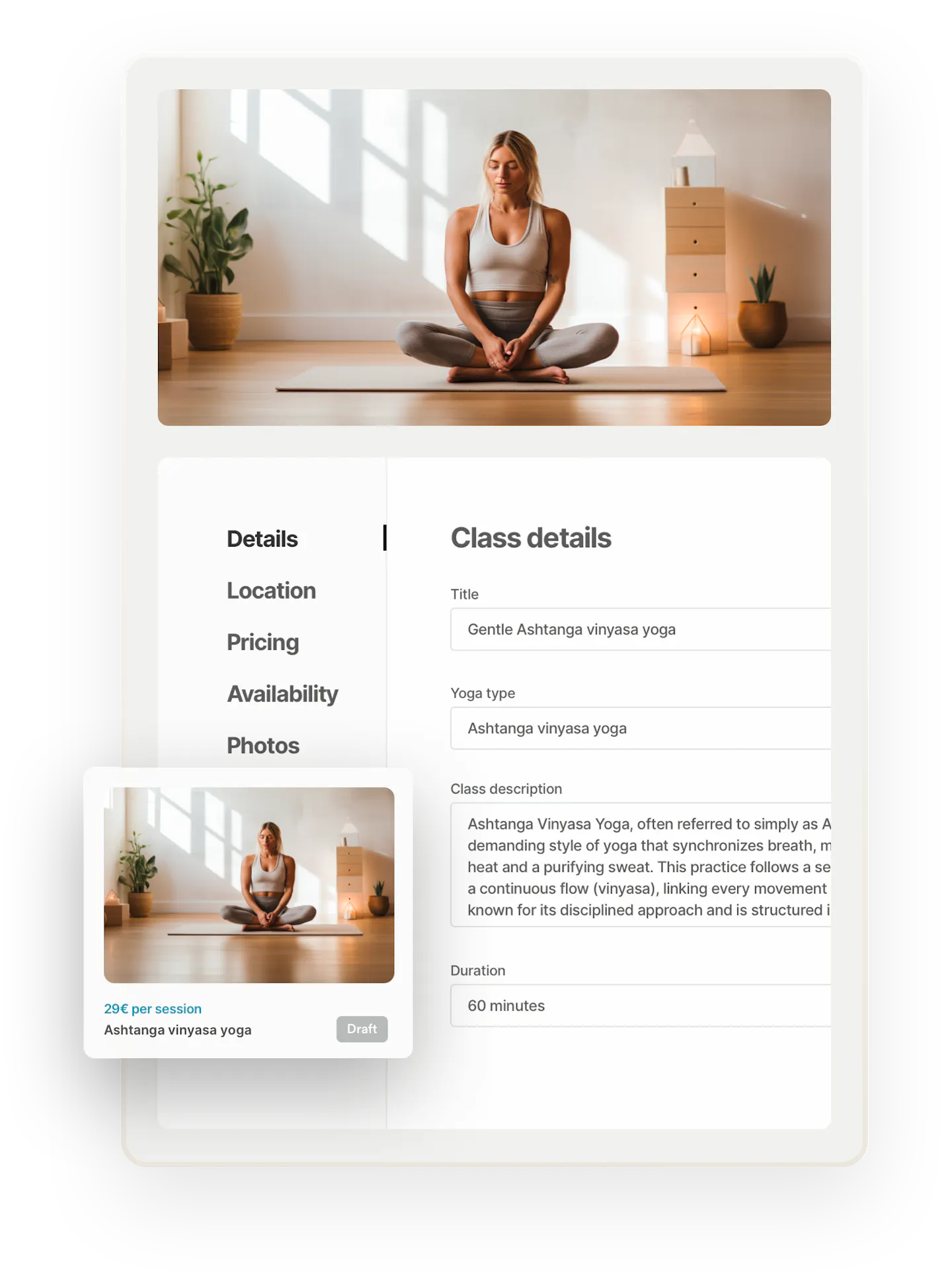
Enjoy the smooth step-by-step listing creation. Let suppliers post listings on your platform to facilitate transactions.
Each listing has a set of default data to make sure basics are covered: title, description, location, pricing, availability or inventory, and images.
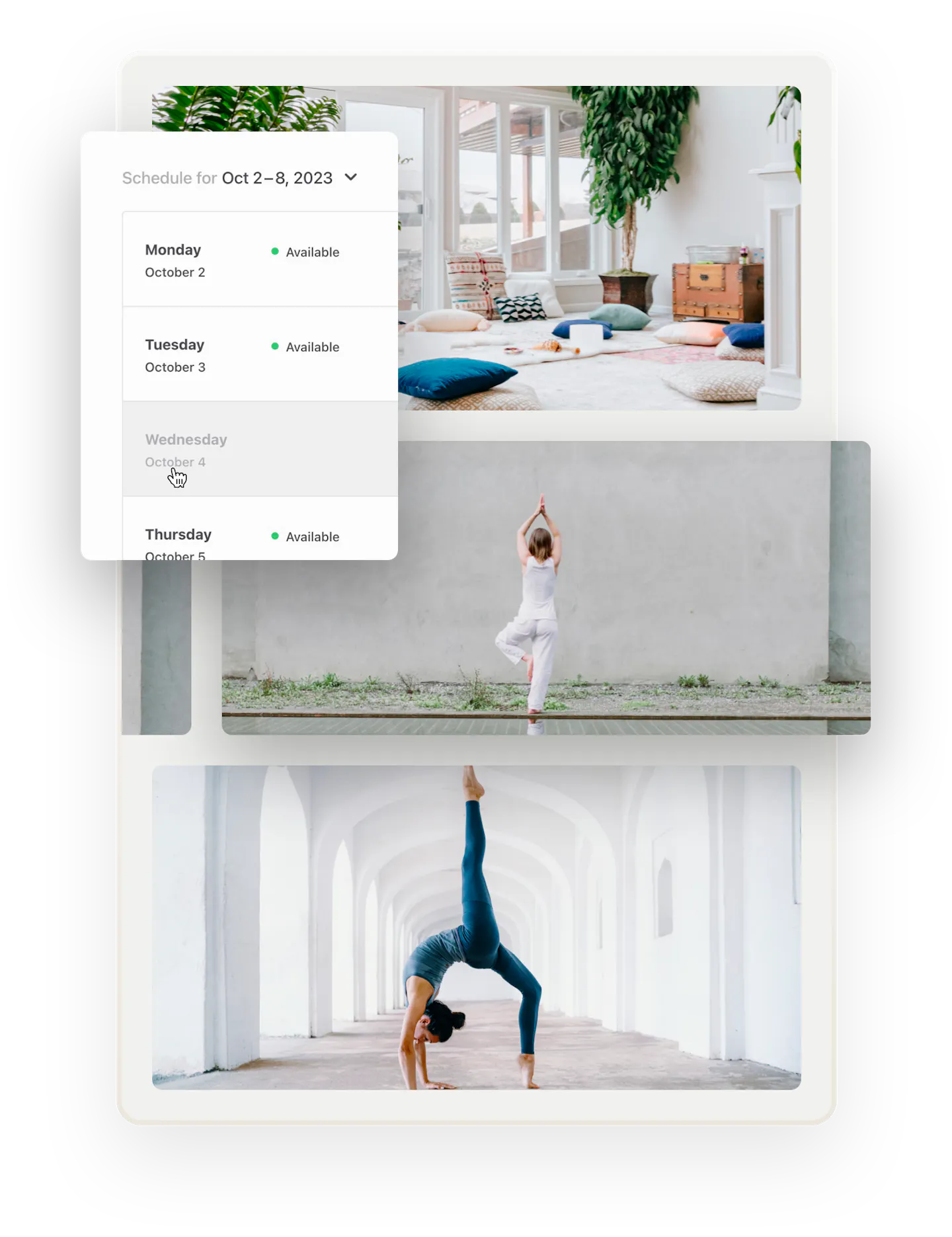
Suppliers determine availability when creating the listing. They add a default schedule and can easily add exceptions to availability.
Suppliers determine inventory when creating the listing and can edit it later.
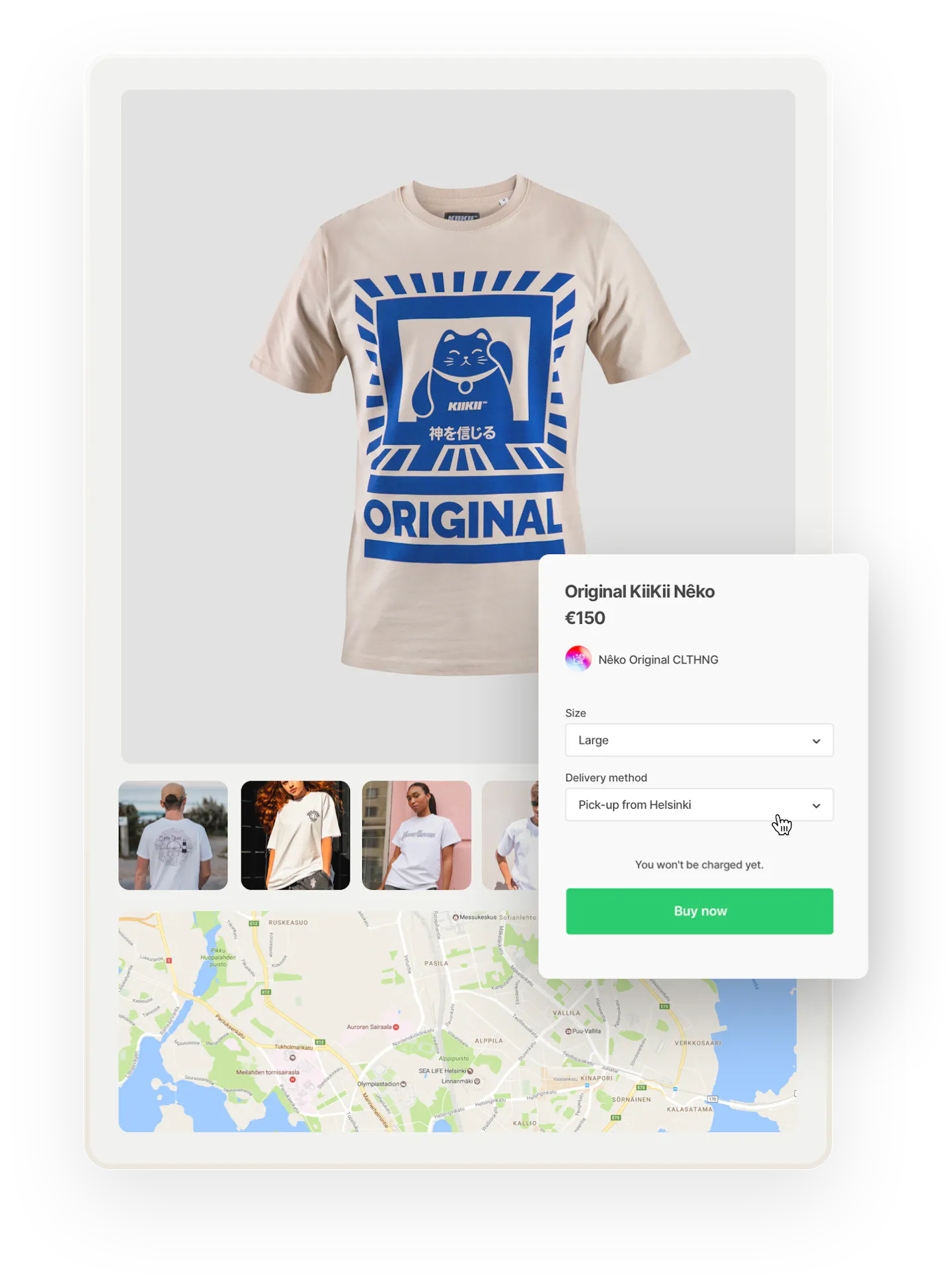
Suppliers choose delivery methods when adding a product listing: pickup, shipping, or both. They can also define the pickup location and shipping fees.


Listing categories
Organize your listings into groups with categories
Create up to three levels of listing categories. Main categories for top-level separation between listings. Two levels of subcategories to help people narrow down their search.
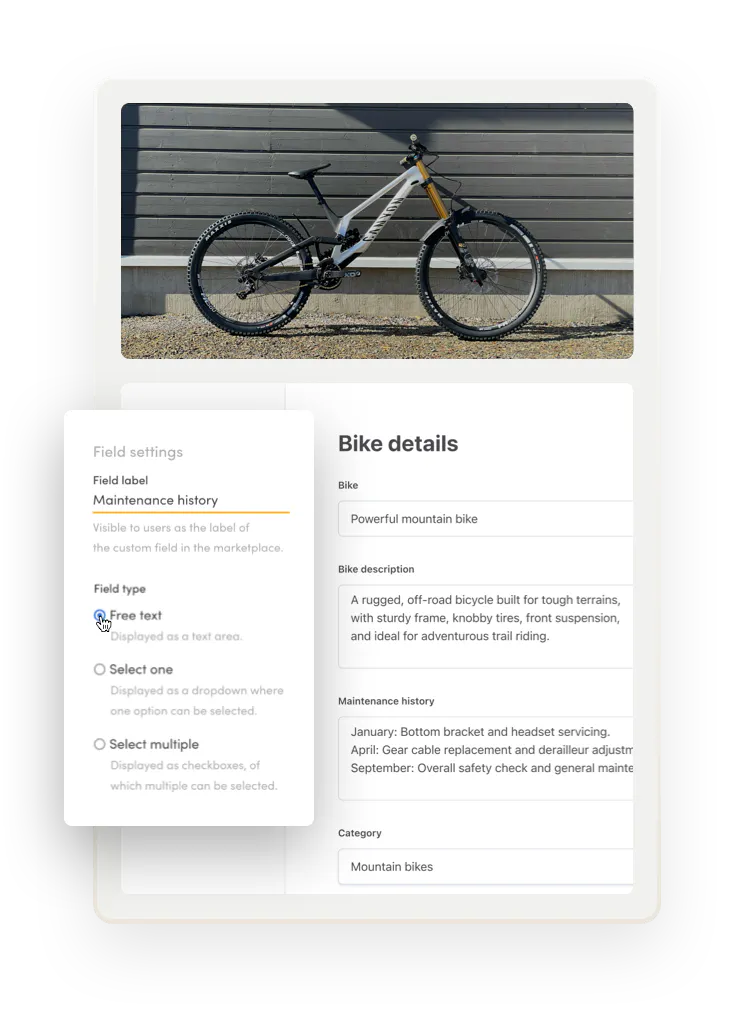
Listings in different categories might need completely different information from each other. Create category-specific listing fields to build unique listing data structures.
Custom fields
Collect the exact data you need from your suppliers
Create text fields where users can enter the information you want listings and user profiles to include.
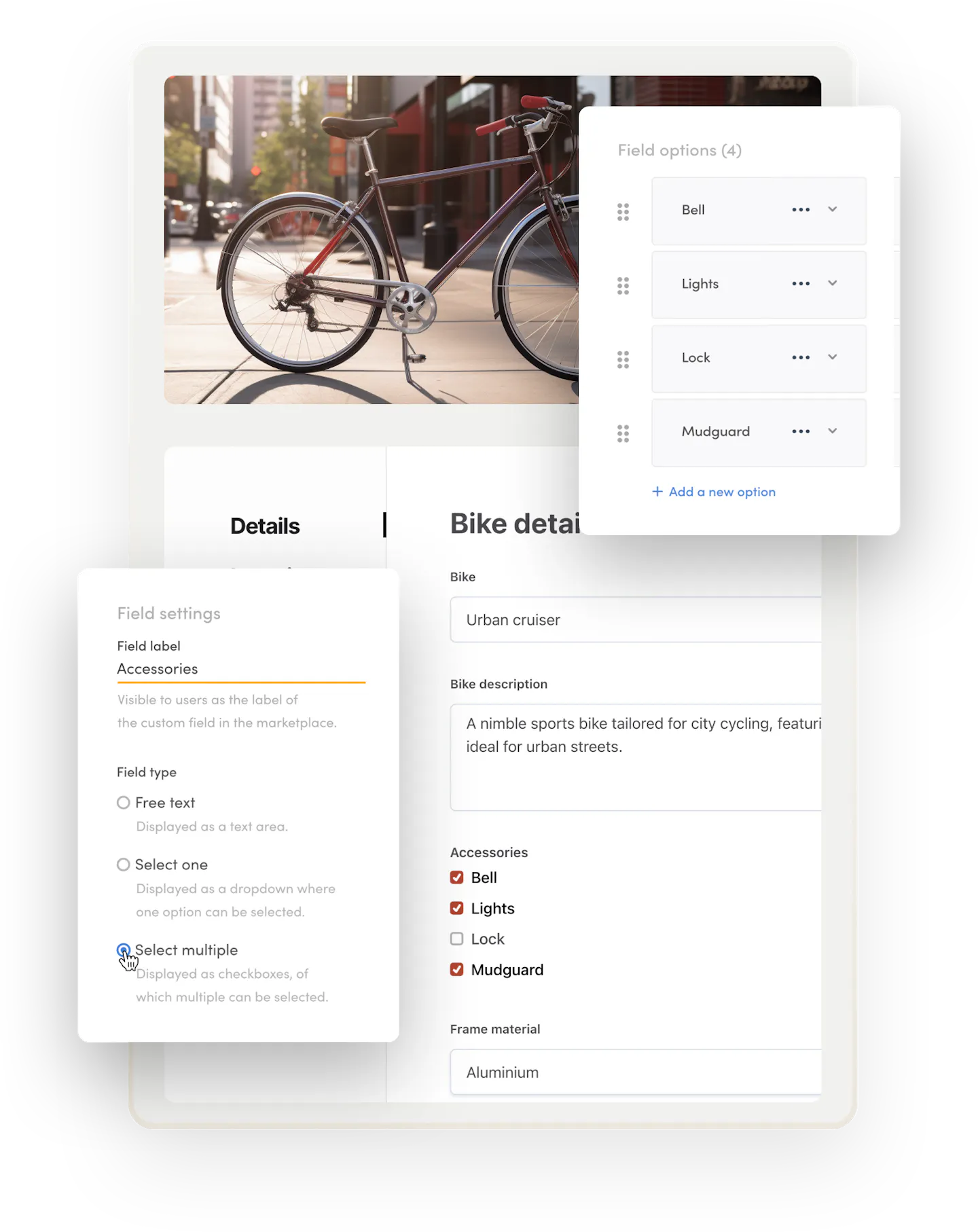
Create a listing or user field with a selection of options. Allow users to choose one or multiple options.
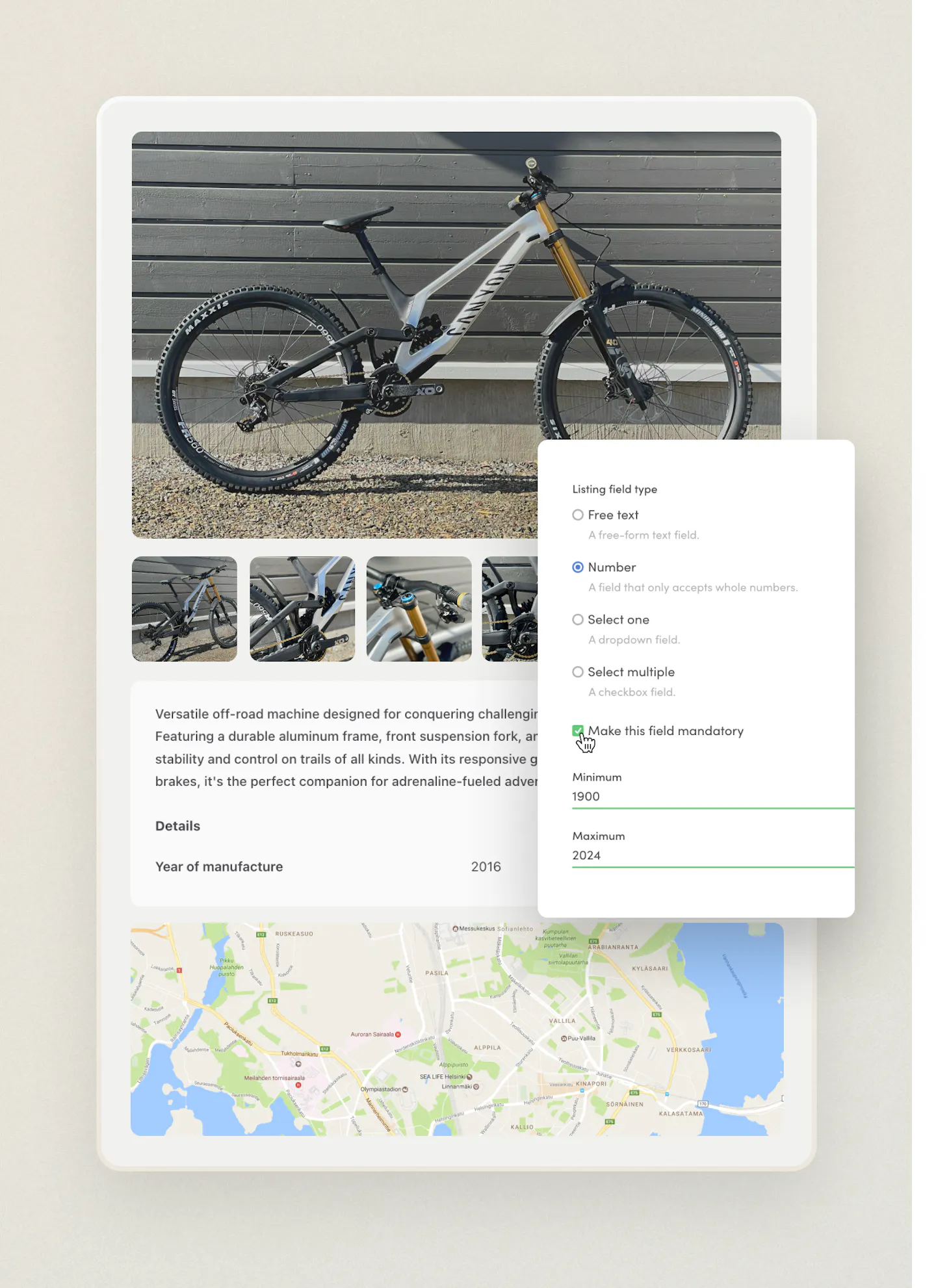
Add user and listing fields that collect whole numbers with a minimum and maximum value. You can also use the field as a listing search filter.
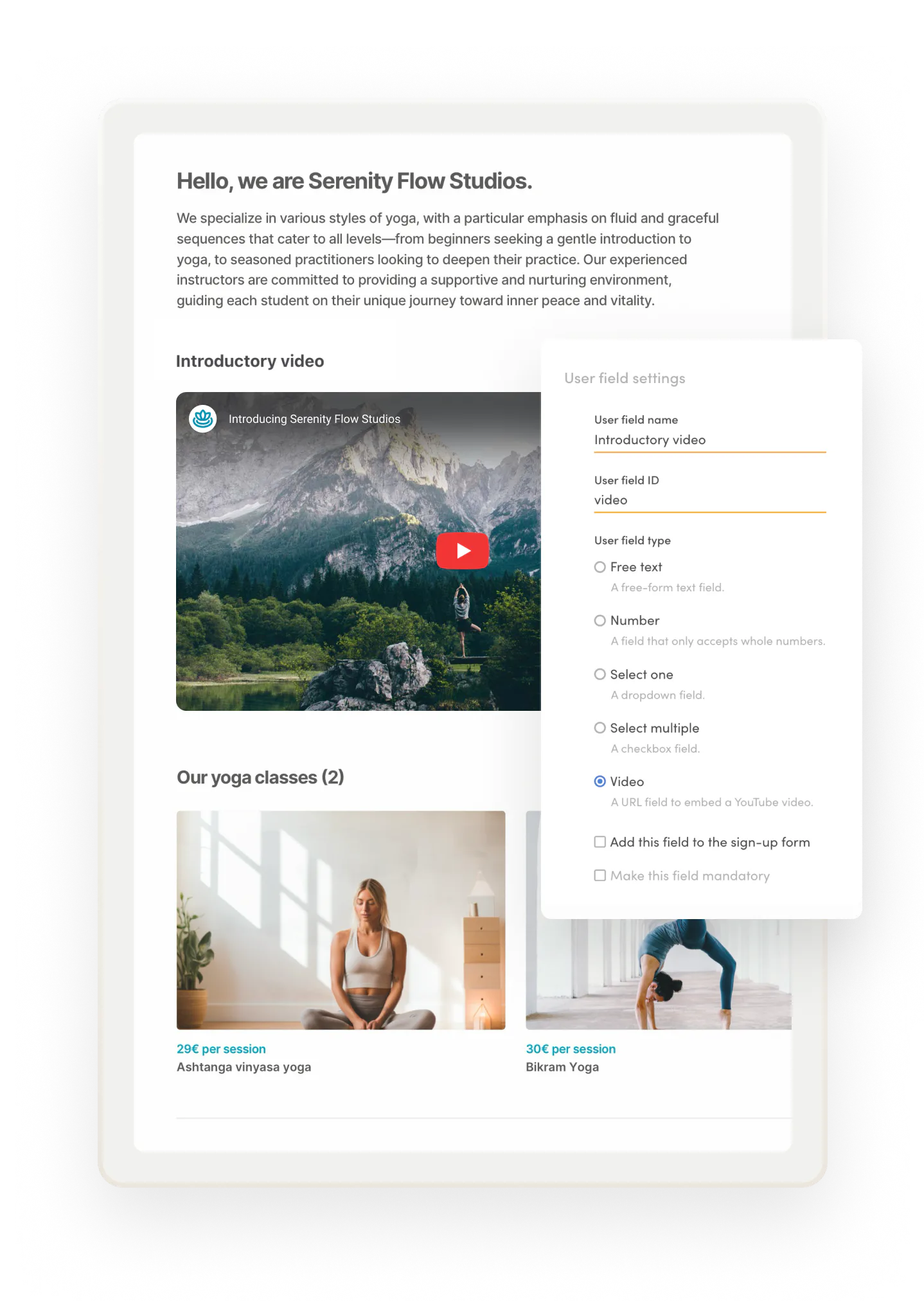
Let users embed a YouTube video to their user profile or listings.
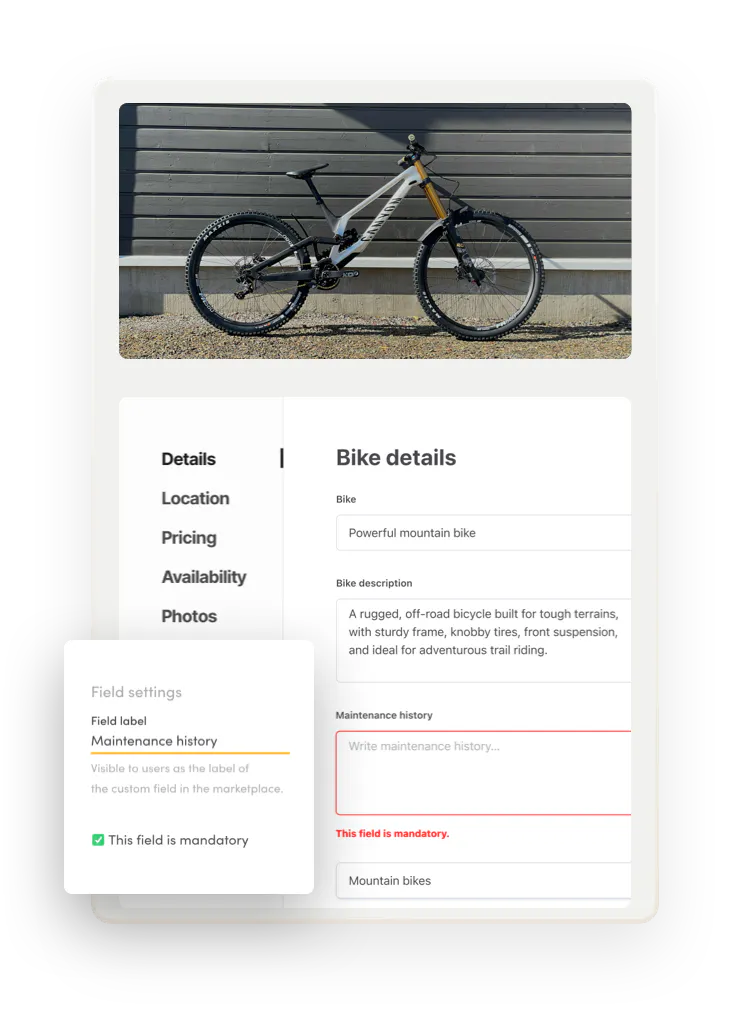
Decide if listing fields are mandatory or optional to fill at listing creation.
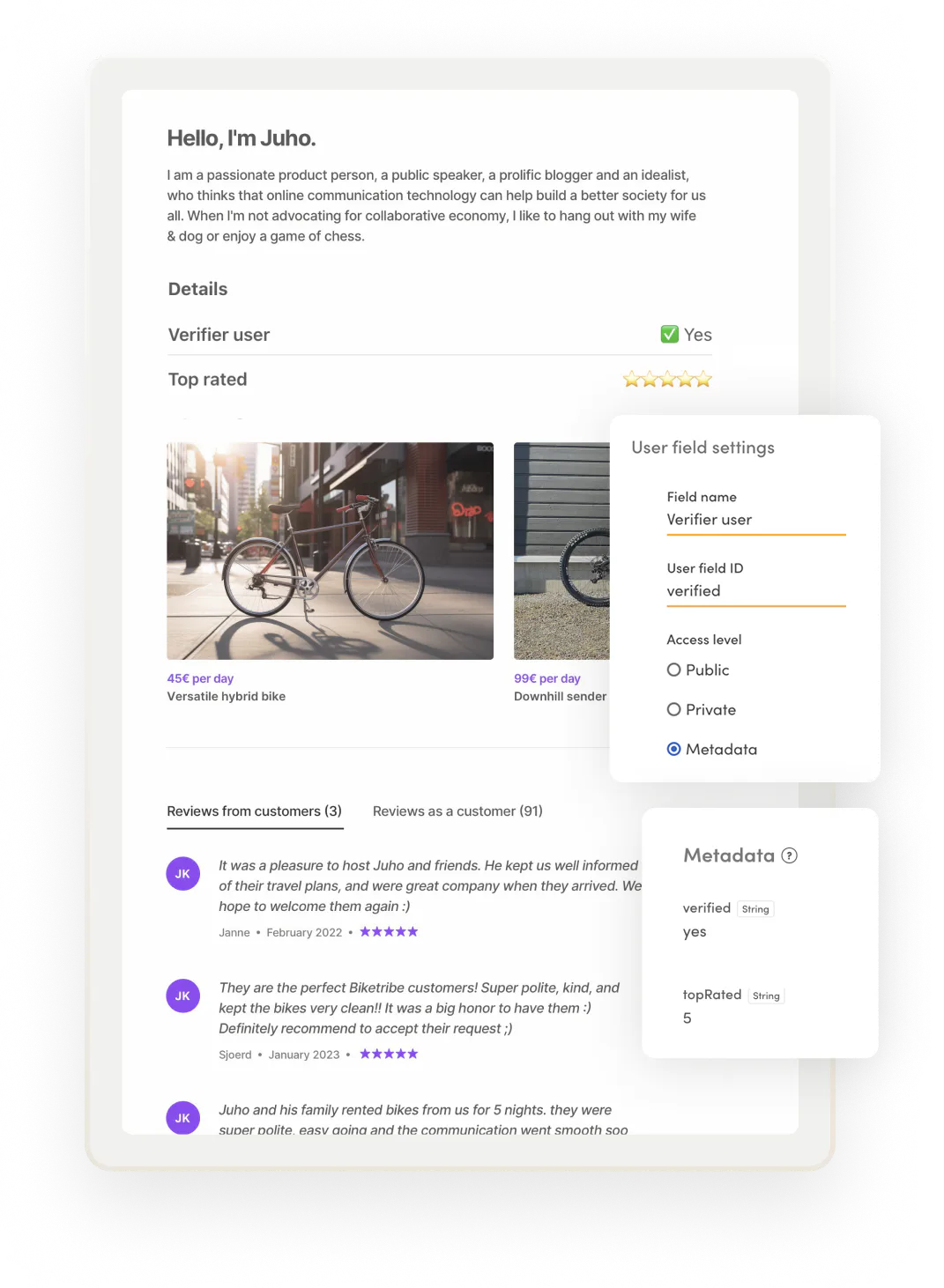
Choose who can add and edit field data. Let suppliers fill public field information about their listings. Or create metadata fields, fully controlled by you, the marketplace operator, for trust signals like verification or background-check status listings, search ranking, featured listings, or keep fields entirely internal for your own operations.
Listing search
Create a smooth search and filtering experience for customers
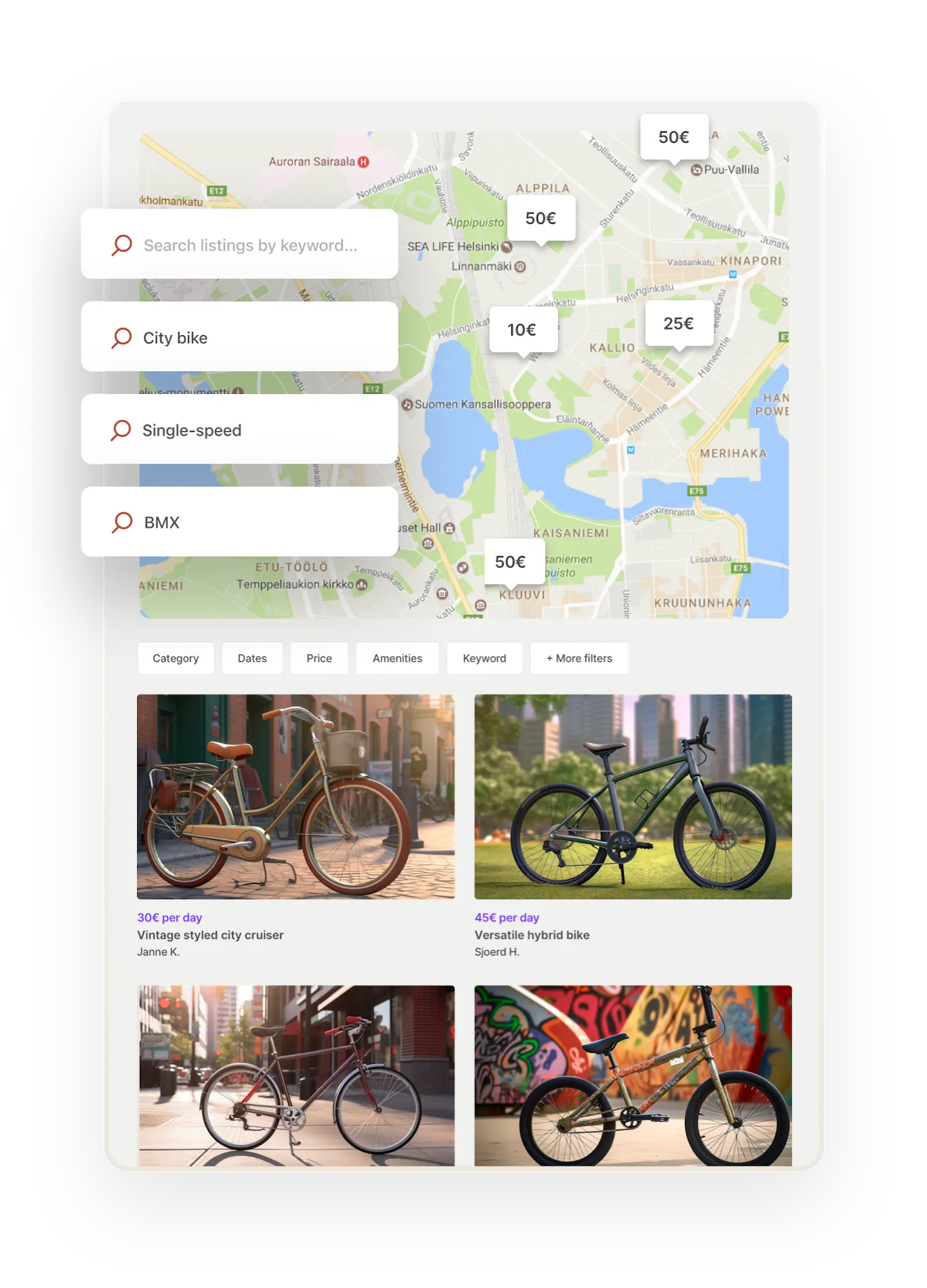
Our versatile search experience works for both local and global marketplaces. Make your primary search function location-based or keyword-based.
Create unique search experiences based on the type of listing someone is looking for. Add a listing type filter on your search page or build entirely separate paths for different audiences.
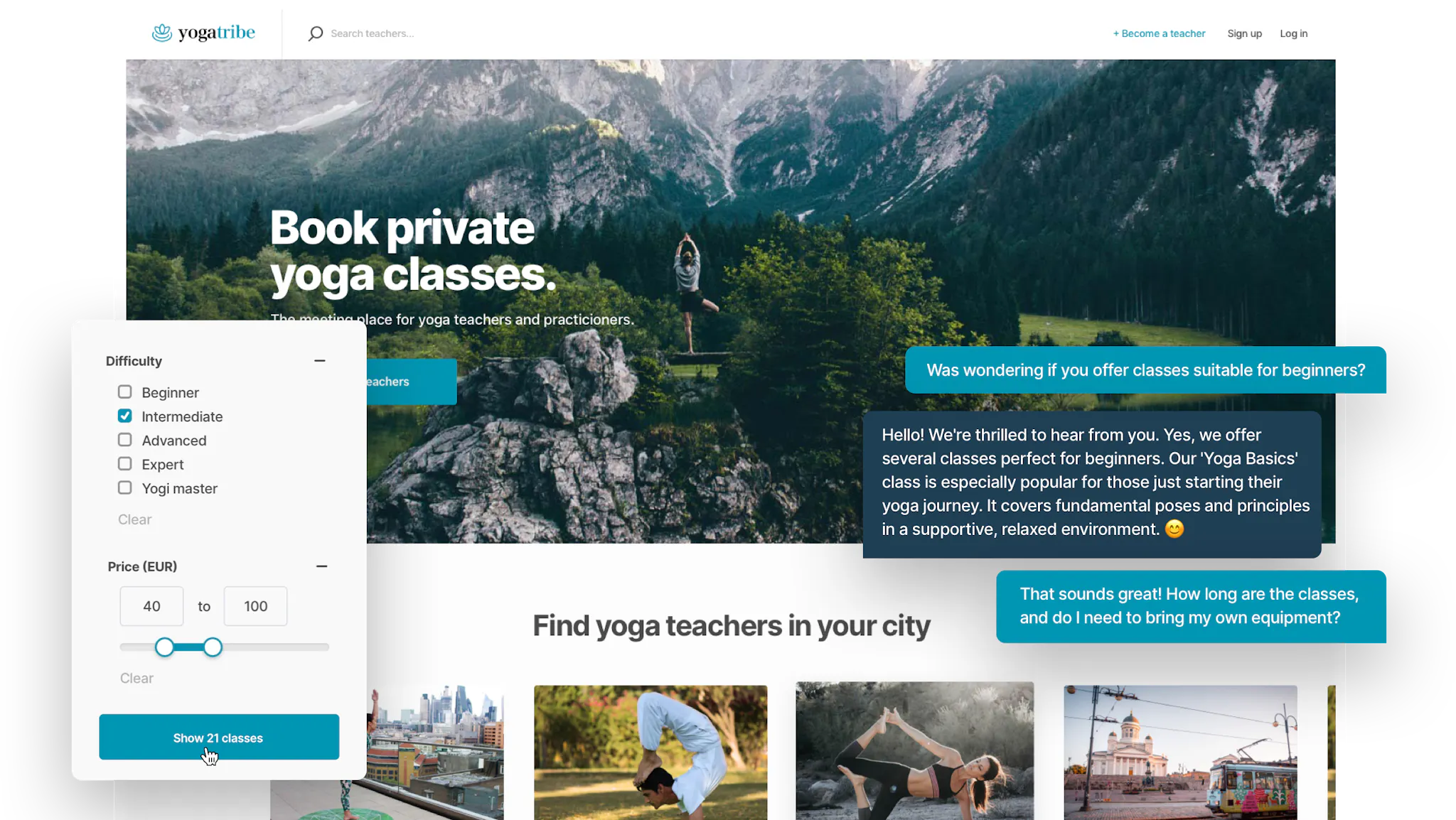
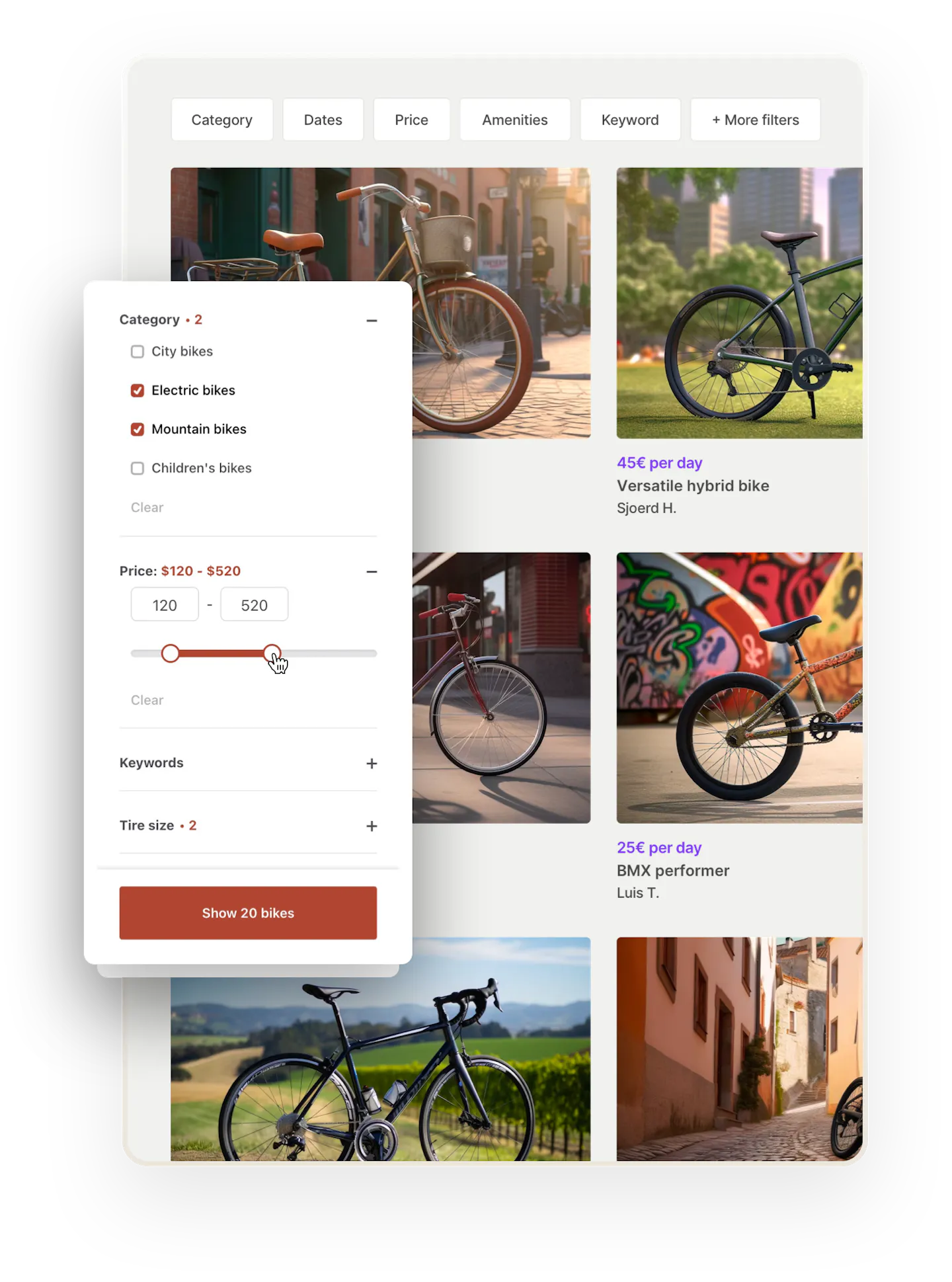
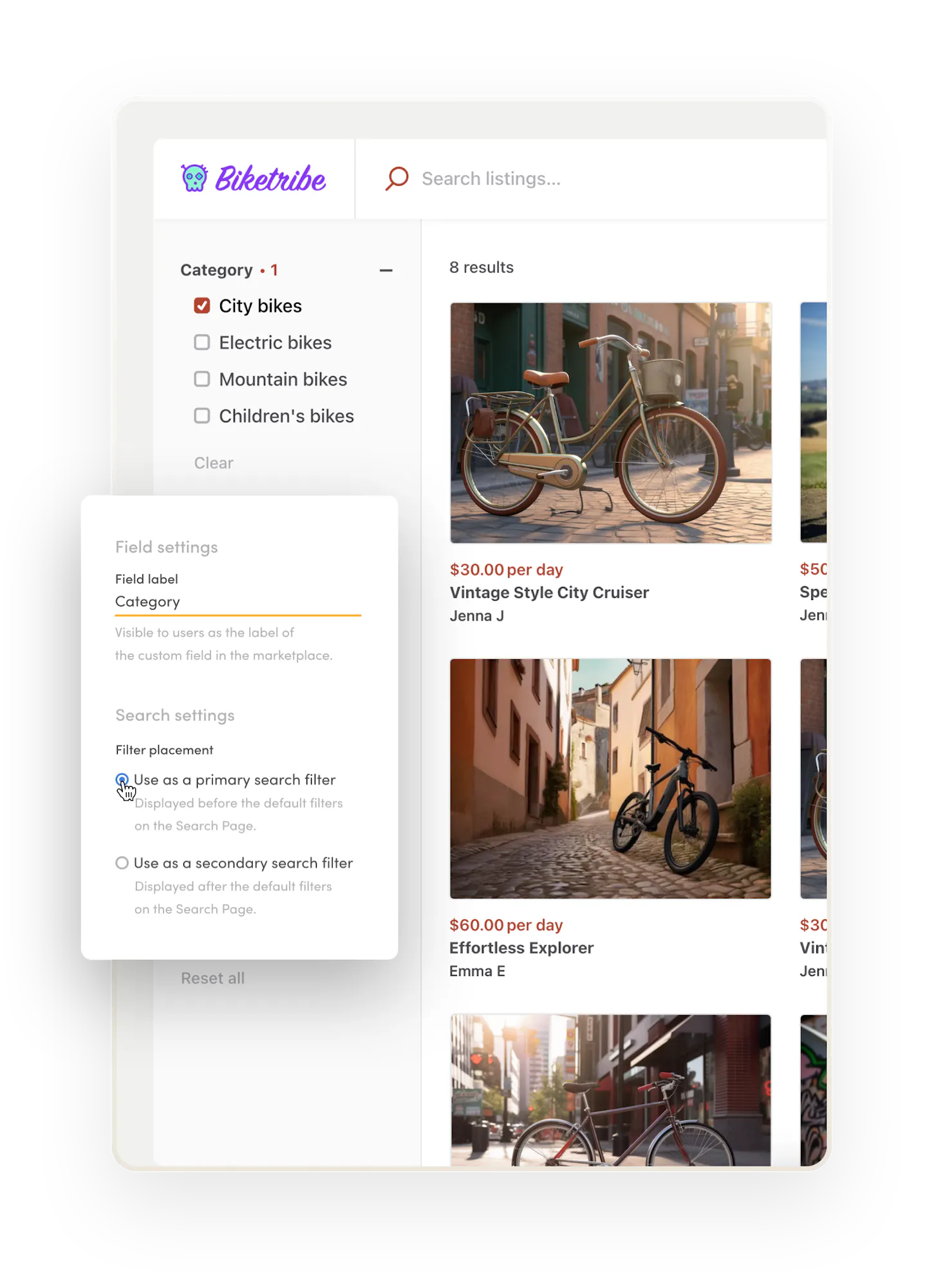
Help customers find what they're looking for with categories. Add category-specific filters to build a dynamic search experience.
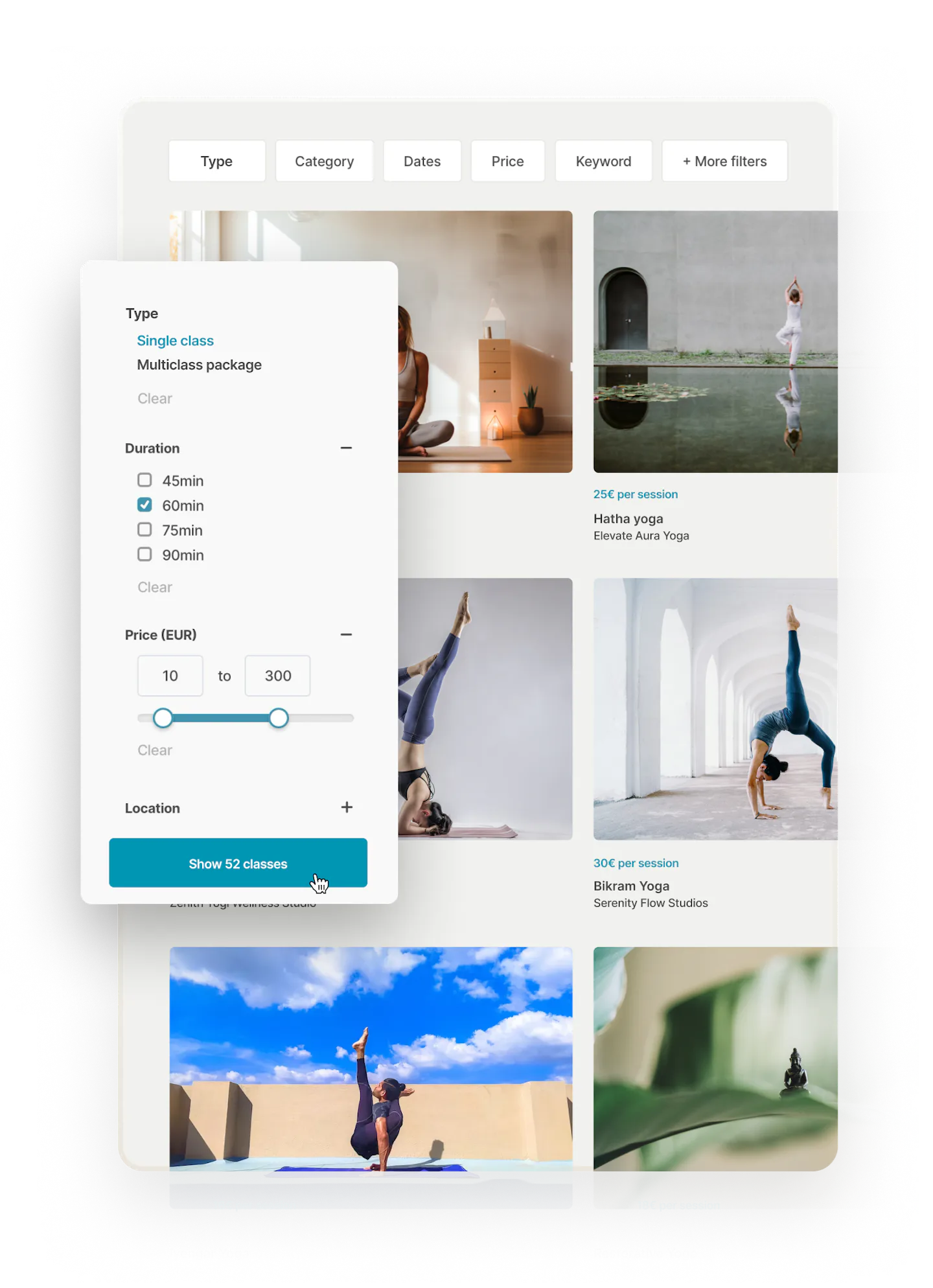
Let customers filter search results by availability, keywords, and price.
Customize your search experience to your marketplace’s needs. Use your custom listing fields as search filters and create a unique filtering experience.
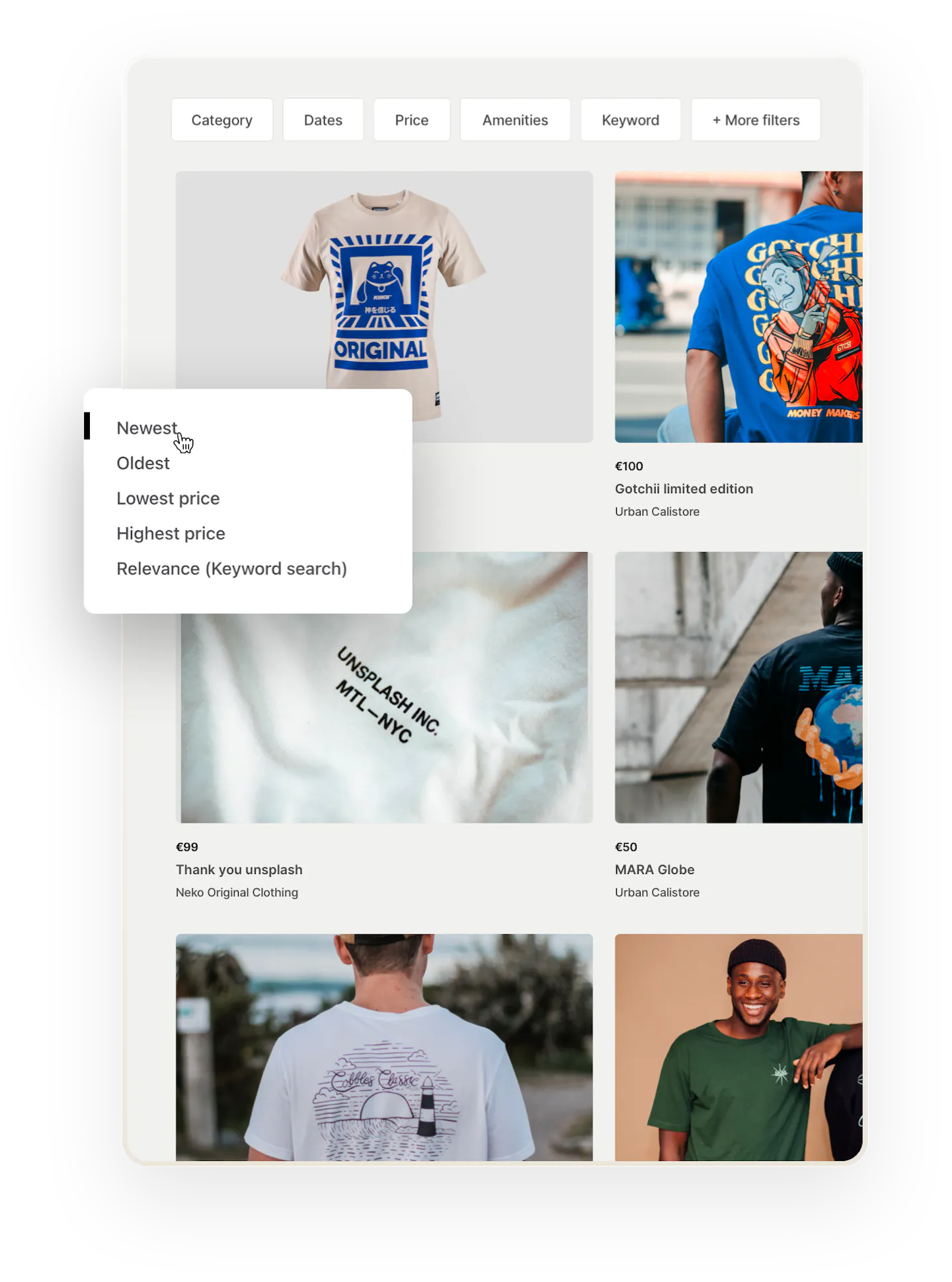
Customize your sorting experience to your marketplace's needs. Choose default sorting fields or add your own custom listing fields for sorting and create a fully unique experience. Or curate listing order on the search page entirely according to your own criteria.
Transactions
Get out-of-the-box support for marketplace transactions

Secure online payments
Facilitate payments between suppliers and customers
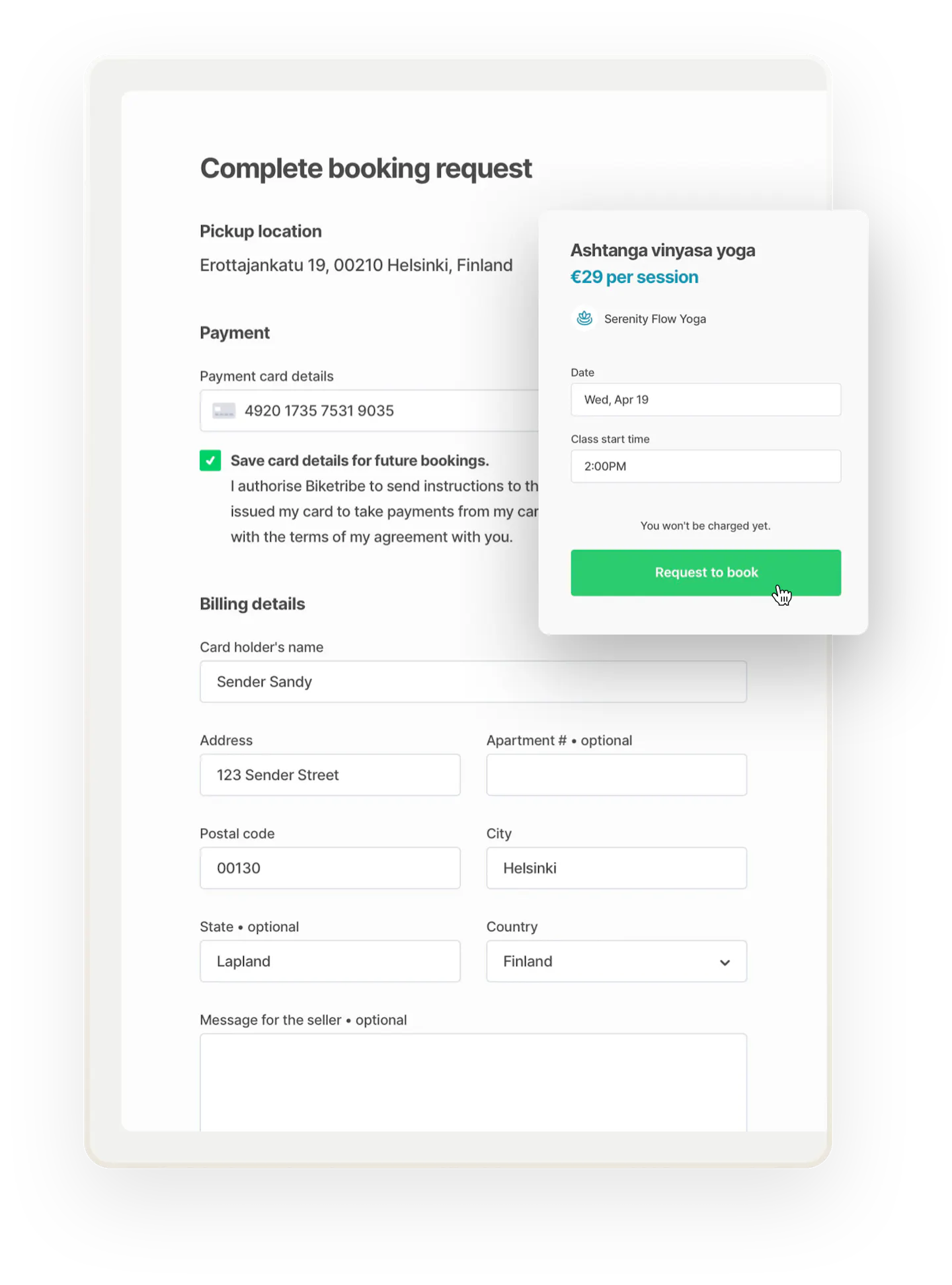
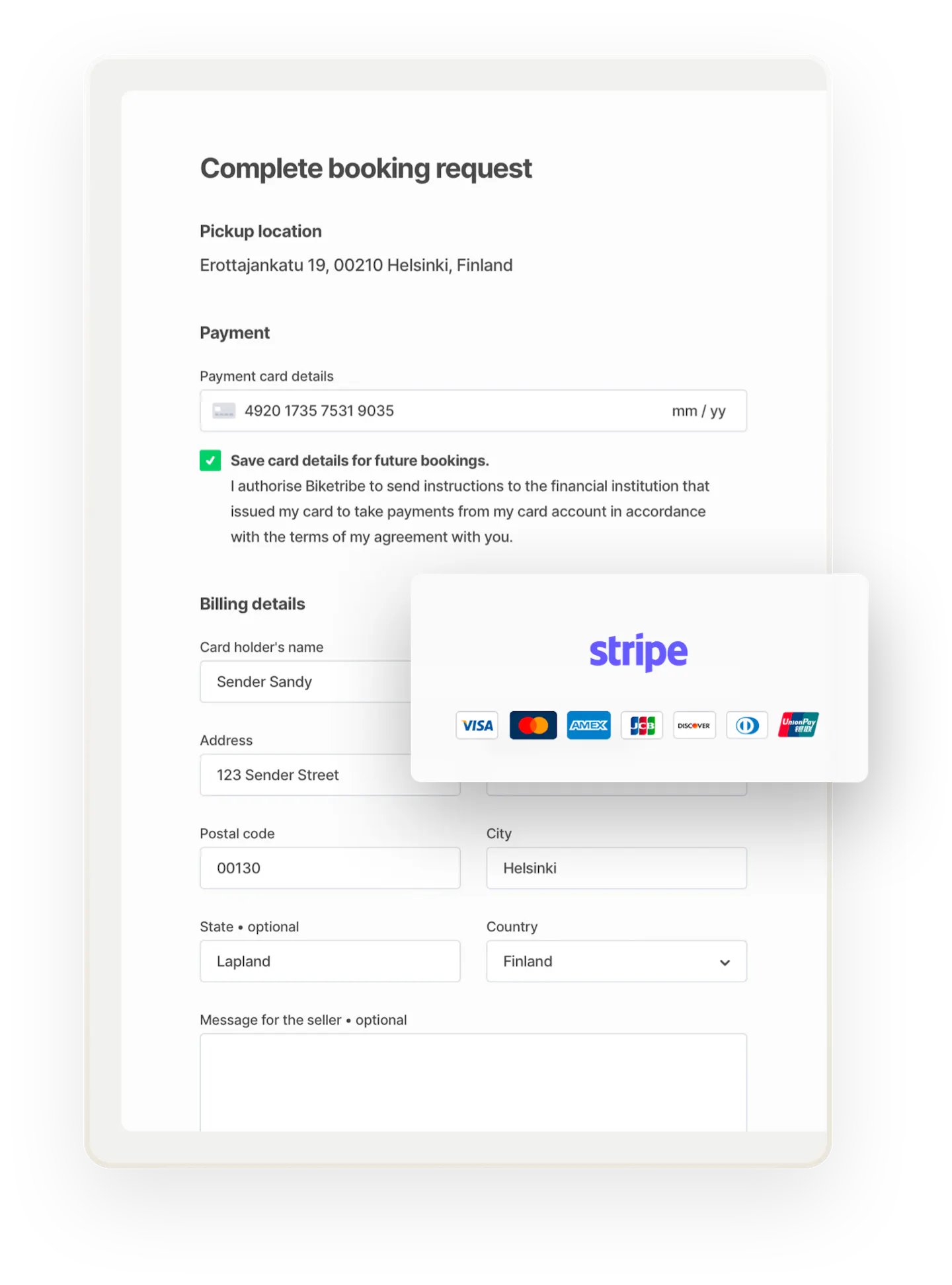
Get a built-in, industry standard checkout process, complete with collecting billing details and payments. Let customers save their payment card for future sessions.
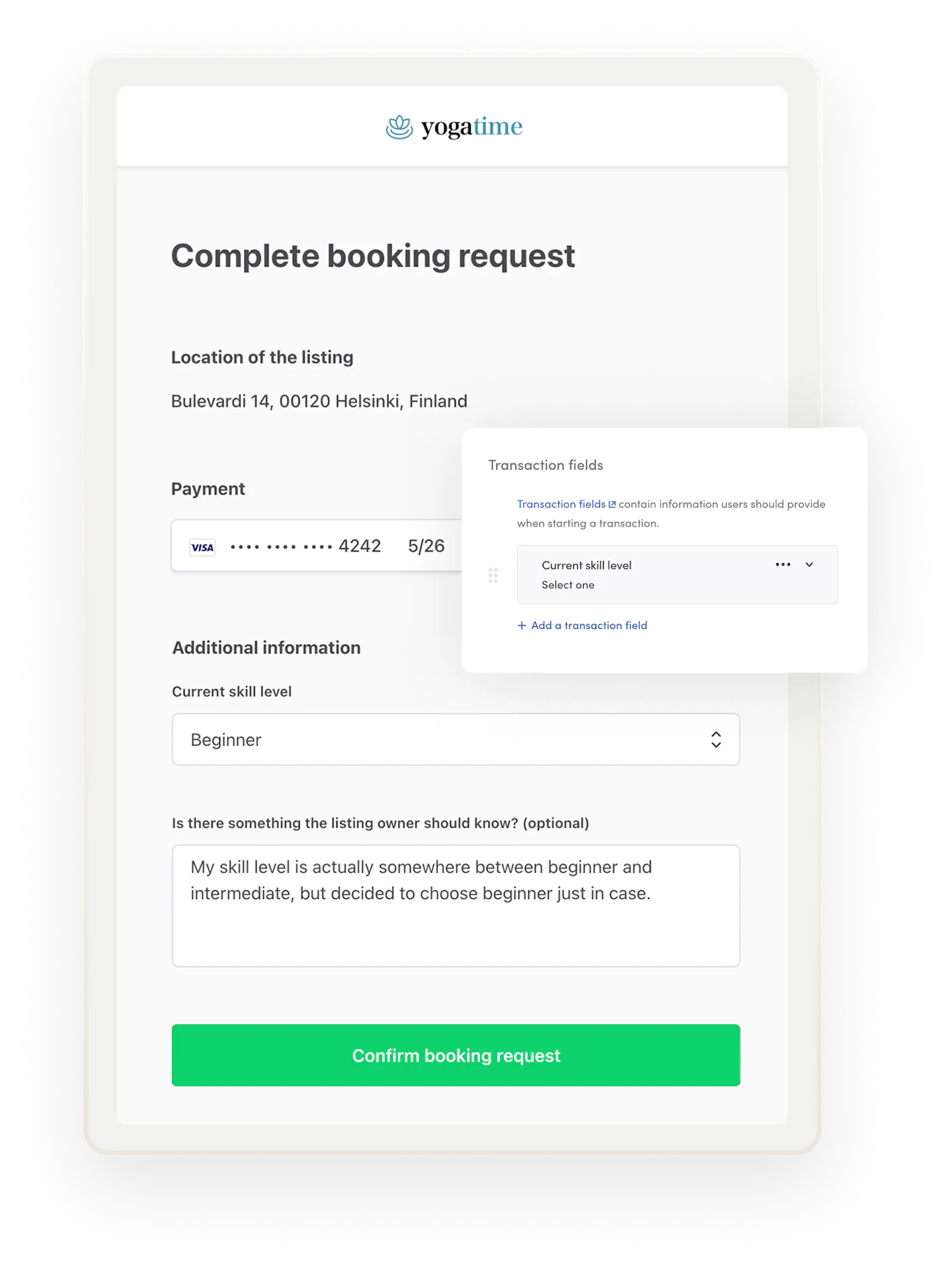
Ask users for the right information at the beginning of a transaction. Use transaction fields to structure bookings, purchases, inquiries, offers, or requests with relevant details. Make transacting clear, easy, and efficient.
Sharetribe uses Stripe to facilitate online payments. Stripe is a leading online payment processor for businesses of all sizes and has excellent solutions for marketplaces.
Collect all the necessary information from your suppliers to send them money. Stripe conducts a Know Your Customer process for each supplier who signs up to receive payments through your platform.
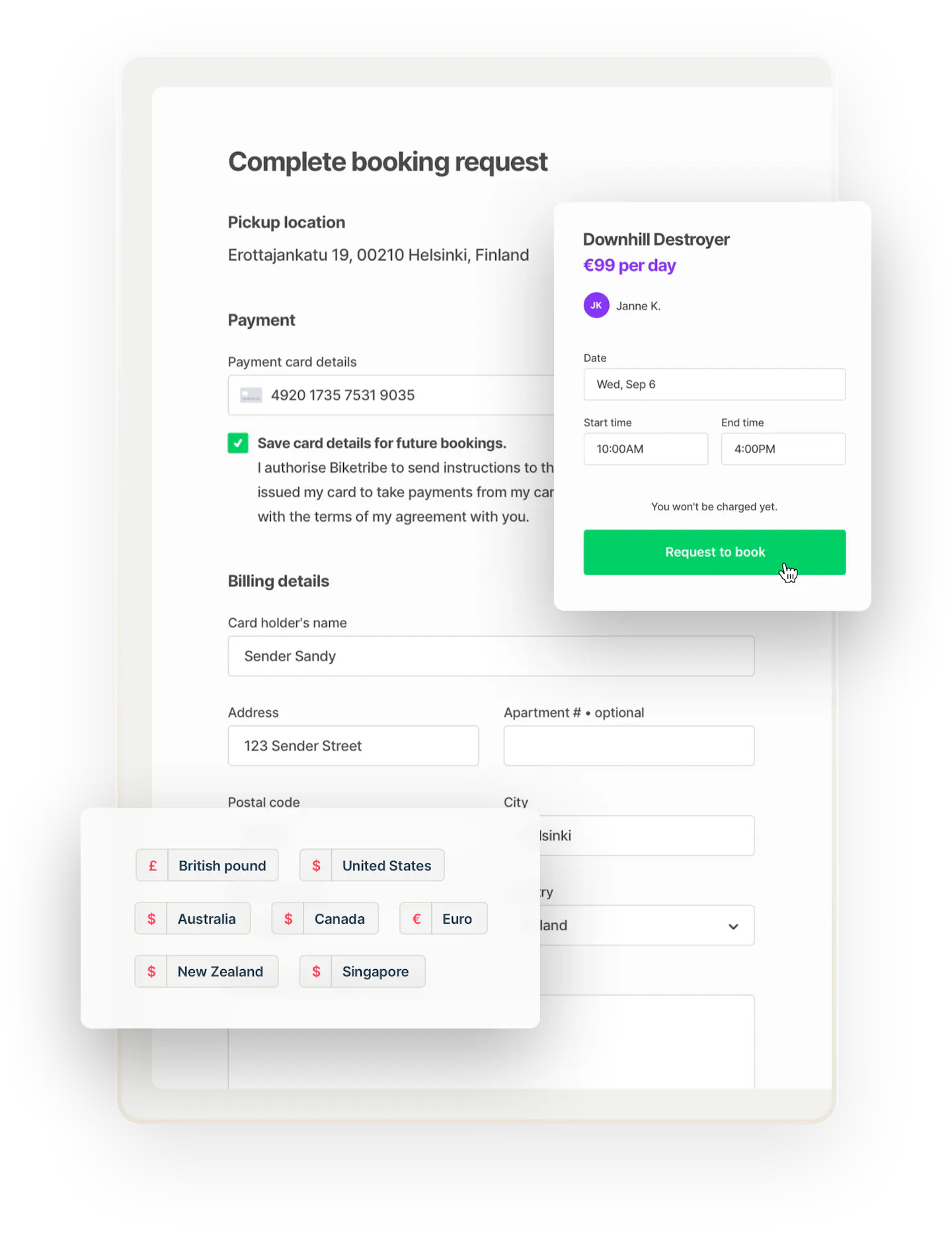
Through Stripe, Sharetribe automatically supports payments in 26 countries. Find out if we support payments in your currency.
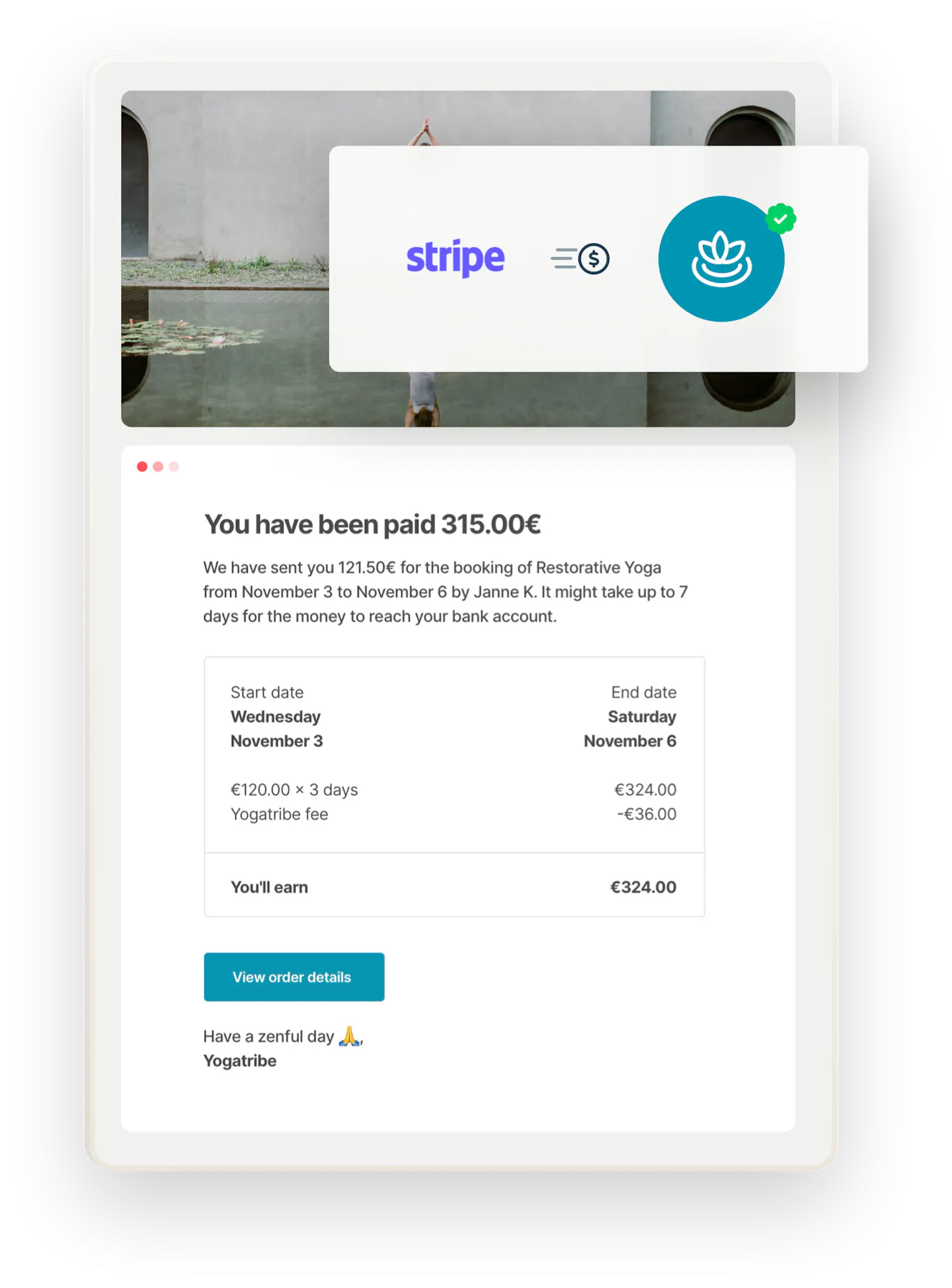
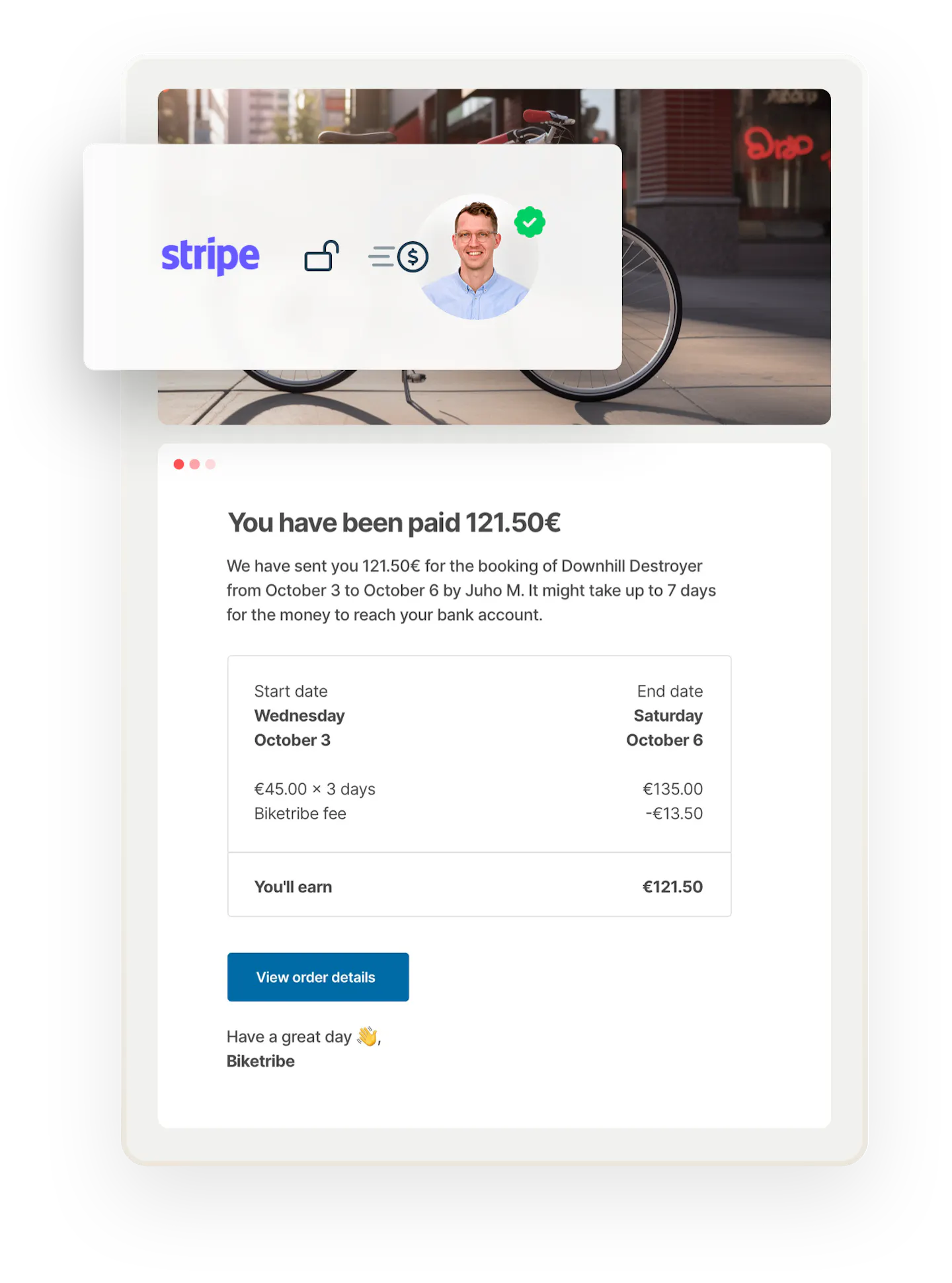
Once a transaction is over, Stripe will automatically send a payment to the supplier. You do not need to send money to anyone manually.
Stripe holds the customer's payment until a transaction is complete. The supplier will receive the money when the booking period is over or when the customer has received their order.


Monetization
Monetize your marketplace from day one
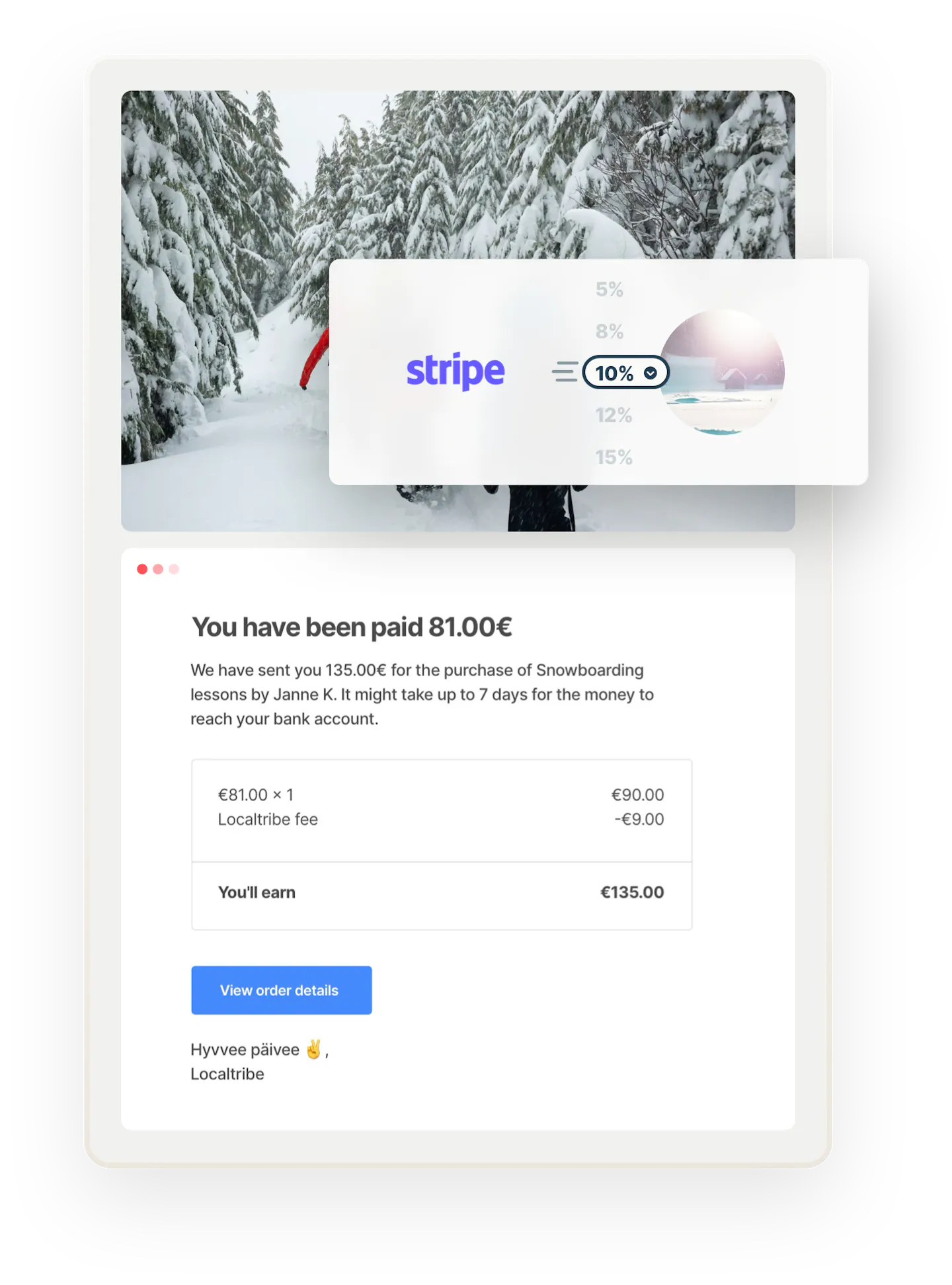
Split payments between yourself and the supplier. Charge a commission from your customers, providers, or both. Decide percentage and minimum commission rates in Console or charge a flat fee. You receive your commission automatically from each paid transaction.
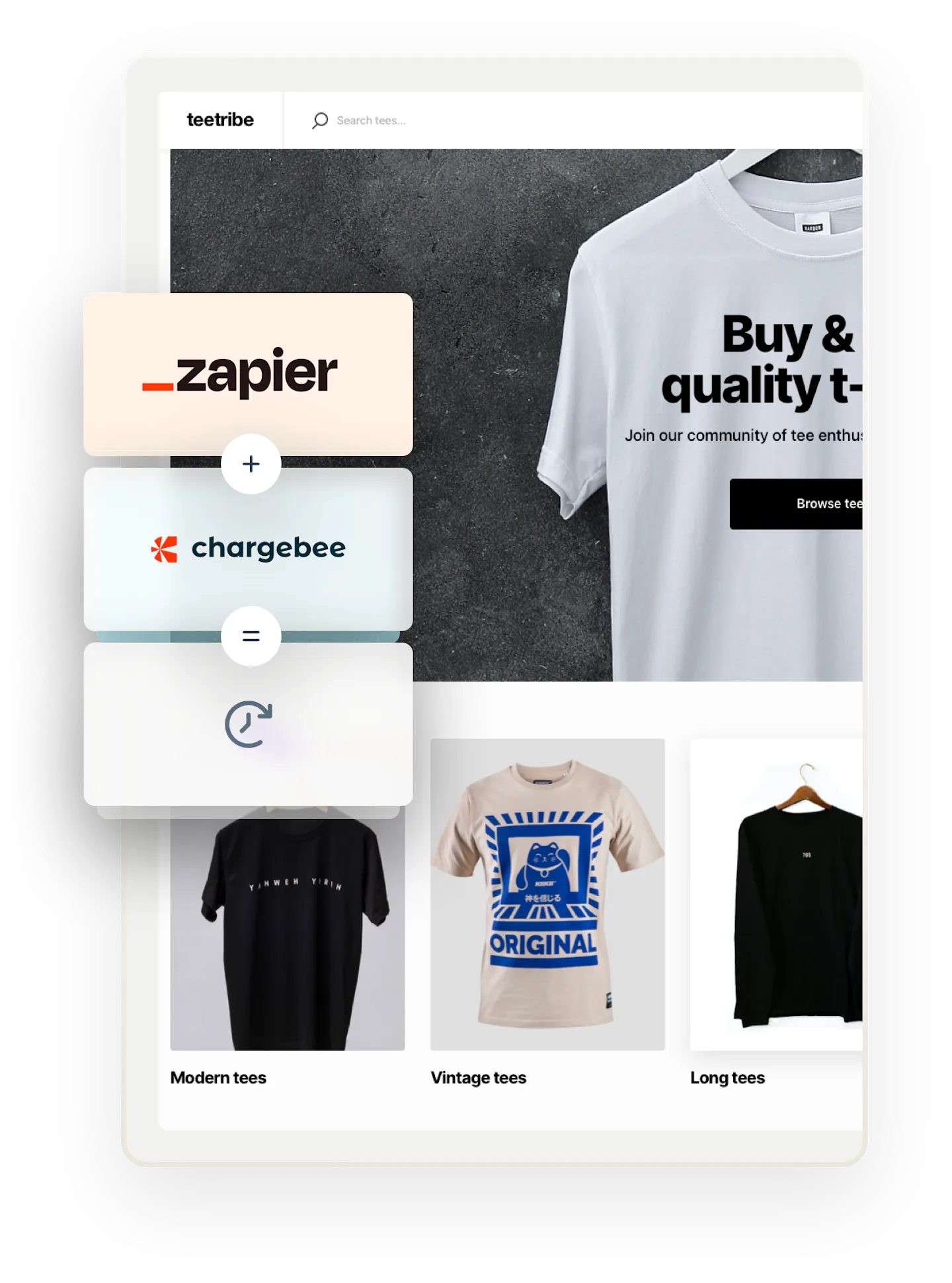
Restrict access to your marketplace or limit posting, viewing, or transaction rights with Sharetribe's access control features. Use Sharetribe's pre-built Zapier integration and a payment service like Stripe to automate subscription payments and collect recurring payments from your users.
Turn on listing approval and implement listing fees to get a listing published. Use Sharetribe's Zapier integration and a payment service like Stripe to automate listing fee payments.
Build a simple reverse marketplace flow where customers post listings and suppliers reach out to them. Charge suppliers a lead fee before granting them the right to contact a customer and revoke the right afterward. Use Sharetribe's Zapier integration and a payment service like Stripe to automate the flow.




Reviews
Conclude every transaction with two-sided reviews to build trust
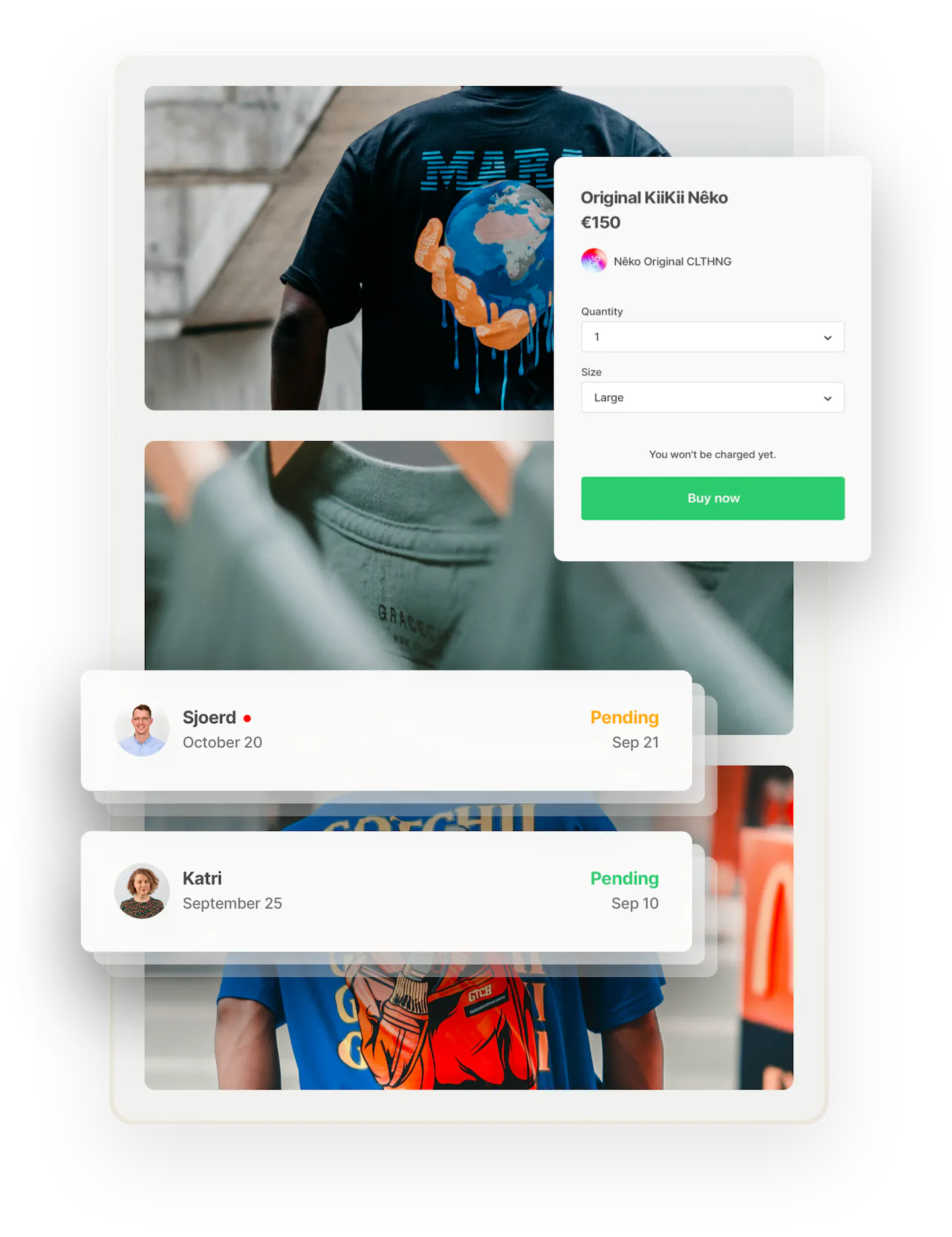
Two-sided reviews are an industry standard. Collect reviews automatically from customers and suppliers after a transaction.
Get the industry-standard review structure. Five-star ratings are an easy and fast way to evaluate different listings. Text reviews give more detail about the experience.
To prevent feedback extortion, reviews are only published once both parties have left them or the review period is over.
The reviews a user has received appear on their listings and profiles. Build trust with visible reviews. Edit review content. Add reviews manually on behalf of users.

Messaging
Enable in-app communications to help your users connect
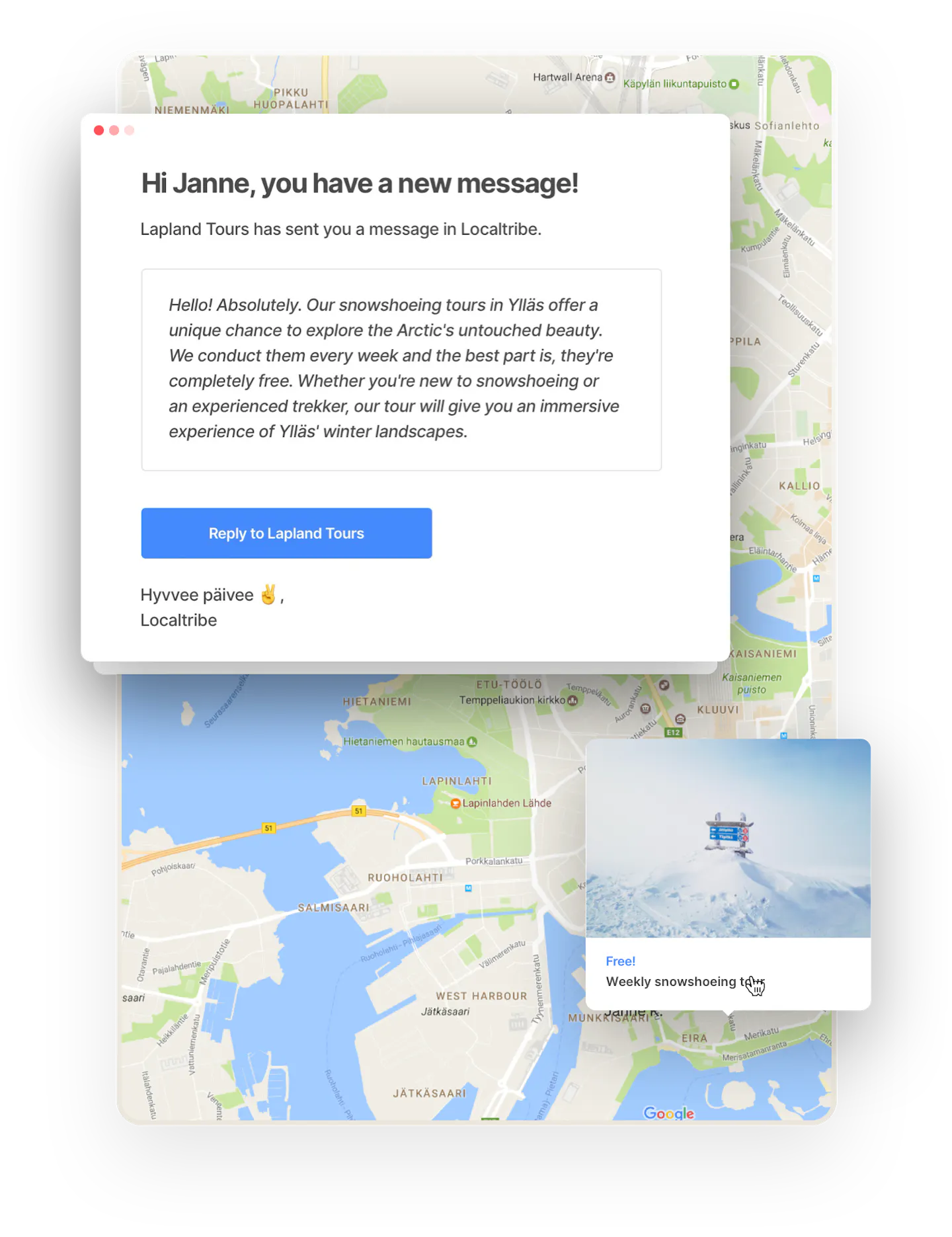
Allow your customers and suppliers to send messages to each other to agree on details. Let them attach files to messages in transactions: images, PDFs, and other documents, up to 10 per message.
Each user has an inbox where they receive messages of booking requests, accepted bookings, new messages, and more.
Choose the email notifications that are sent from your marketplace. Determine the content and style of the emails. No user will miss a new booking request or order.
Marketplace management tools
Manage your marketplace business at any scale with world-class tools.
Start your 14-day free trial
Create a marketplace today!
- Launch quickly, without coding
- Extend infinitely
- Scale to any size
No credit card required