Updates to Sharetribe Web Template webpack configurations
Sharetribe Web Template ejects sharetribe-scripts. This article explains what you should know about the update to webpack configurations and module bundling.
Apr 15, 2026

The Sharetribe Web Template has been using a sharetribe-scripts package for dependency handling. The sharetribe-scripts package itself is a fork from the Create React App package. However, Create React App has been deprecated, and therefore will not receive further updates.
What does this change entail?
The sharetribe-scripts package has, in essence, been a wrapper around the webpack configurations used in Sharetribe Web Template for module bundling. This has had the upside of developers not being able to configure webpack wrong, and the downside of developers not being able to configure webpack at all without ejecting the package in their own forked repository.
Now that Create React App has been deprecated and is no longer receiving updates, we decided to eject the whole sharetribe-scripts dependency as well. This means that starting from version v11.0.0, instead of continuing to wrap webpack related dependencies, we've added them as direct dependencies to the codebase. In addition, the eject process adds two new root-level directories, config and scripts, that contain webpack logic that was originally wrapped in sharetribe-scripts. This allows you to expand the webpack configurations, if you have a use case for doing so.
What does this mean in practice?
Some changes related to updated dependencies are good to note:
- the dotenv package was updated from v10 to v17, which introduces a fair bit of change. Starting from dotenv v16+, '#' starts a comment anywhere on a line (not just at the start), and backticks can be used to wrap values, so double check your environment variables for values that have a '#' literal or a backtick, as those need to be escaped
- The image-gallery.css file used in ListingImageGallery is now copied from version v2.1.1 of react-image-gallery, so if you've made custom changes to the file, you will want to double check those changes.
- Jest was updated, and it has removed toThrowError in favor of toThrow among other functions. If you have custom tests, double check that you are using updated aliases.
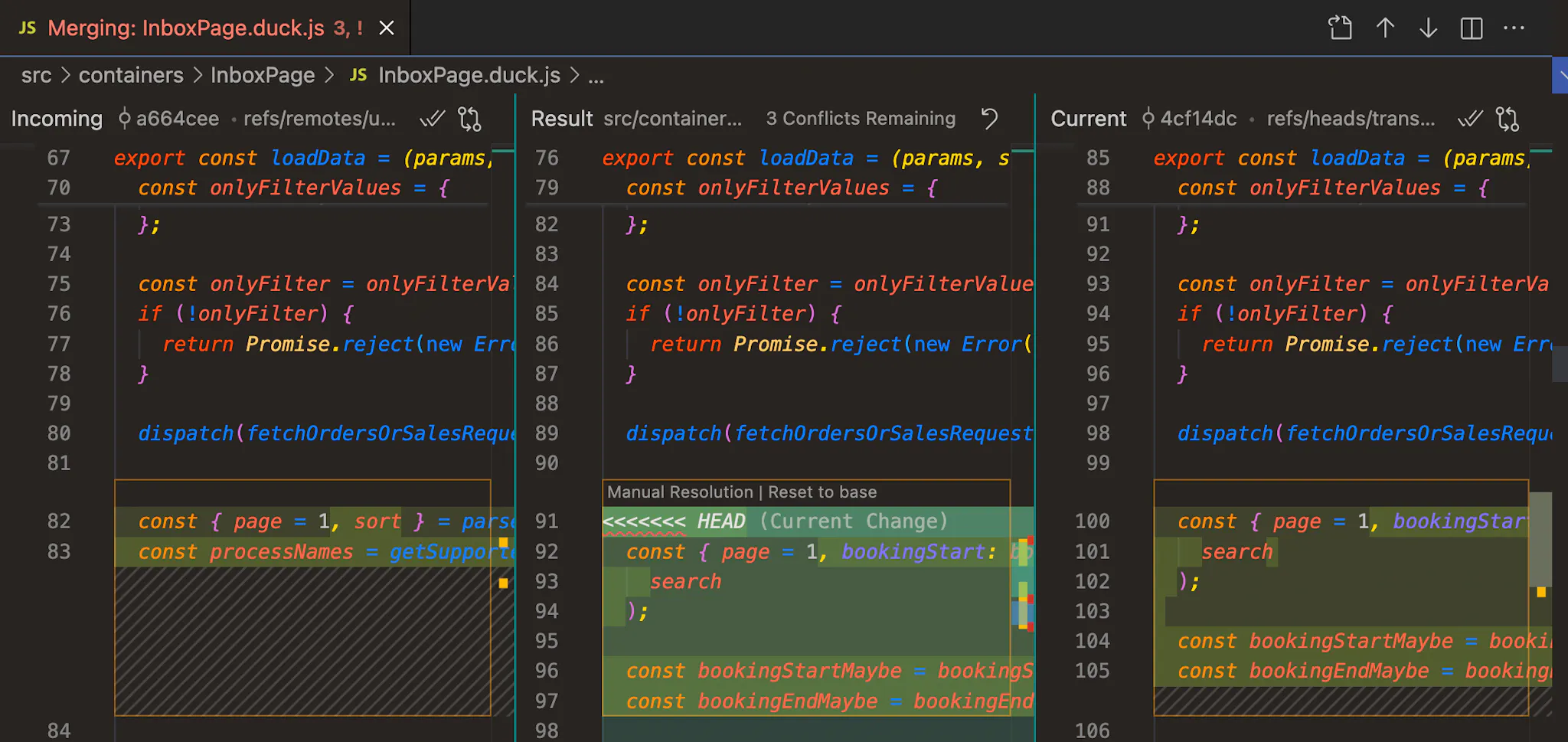
Do also read the related PR description for more context on what changed.
For developers who are happy with how the webpack has been working in the template so far, an upstream update and installing the new version should be sufficient.
Note that this change set removes Template support for Node.js 23, so you'll need to make sure you're running Node version 22.22.0 or 24.0.0 (LTS).
Note that this change set removes Template support for Node.js 23, so you'll need to make sure you're running Node version 22.22.0 or 24.0.0 (LTS).
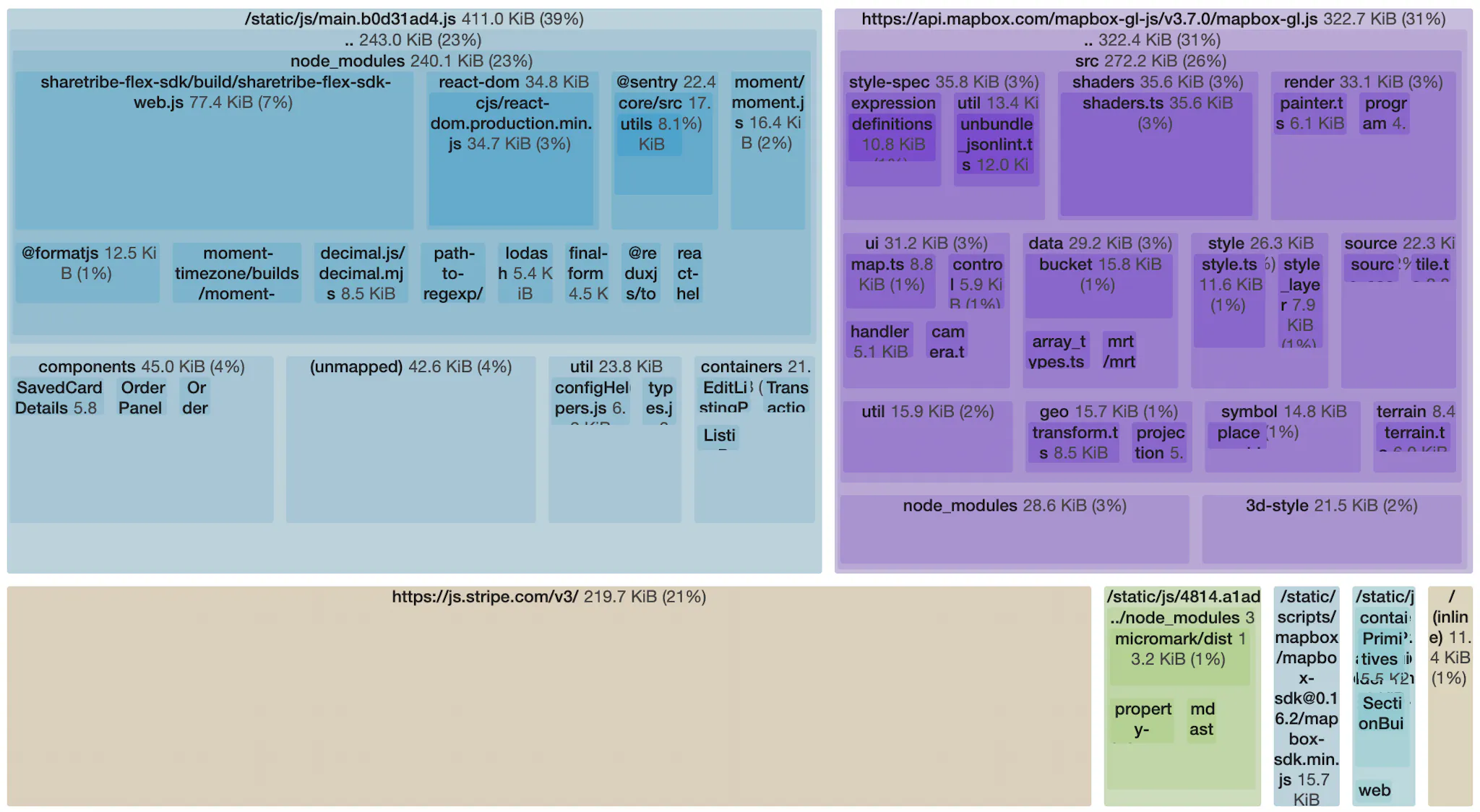
The webpack configuration will continue to work as it has, and the main practical change is that you're now seeing more direct dependencies that were originally used through the sharetribe-scripts dependency. You have more visibility into exactly what dependencies the application uses, and you can update those libraries separately instead of needing to wait for an update from sharetribe-scripts.
For developers who want to extend the webpack configuration, you can now do it directly in the codebase without needing a separate eject. It is good to note that modifying webpack configurations is something we only recommend if
a) you have a specific use case for doing so and
b) you know what you're doing.
Otherwise, it is really easy to break the webpack configuration and get yourself in trouble.
Example cases for expanding your webpack configuration might include
- modifying your CSS handling such as adding Tailwind or a CSS-in-JS library
- using a different test framework than Jest
- customizing your build process to support e.g. TypeScript or other syntax options
If you are looking to make customizations, we recommend that you duplicate config/sharetribeWebpackConfig.js into a new file e.g. config/myWebpackConfig.js, and make your customizations there instead of changing config/sharetribeWebpackConfig.js or config/webpack.config.js directly. This will help with future upstream updates, and it may make it easier to revert any issues.
It's also good to note that if you make changes to webpack configurations, taking upstream updates from the Sharetribe Web Template repository might become difficult or impossible. This is why we only recommend it if you have a specific use case. You can read more about choosing whether to keep up with upstream updates in this blog article.