Published on January 19th, 2026
Turn your marketplace into a mobile app with Twinr
Launch your Sharetribe marketplace as iOS and Android apps with the no-code mobile app wrapper Twinr without coding.
Over 60% of online traffic comes from mobile devices. While a mobile browser version works really well for many marketplaces, for some—especially those with strong peer-to-peer and social network dynamics—a mobile marketplace app can make a big difference in user engagement.
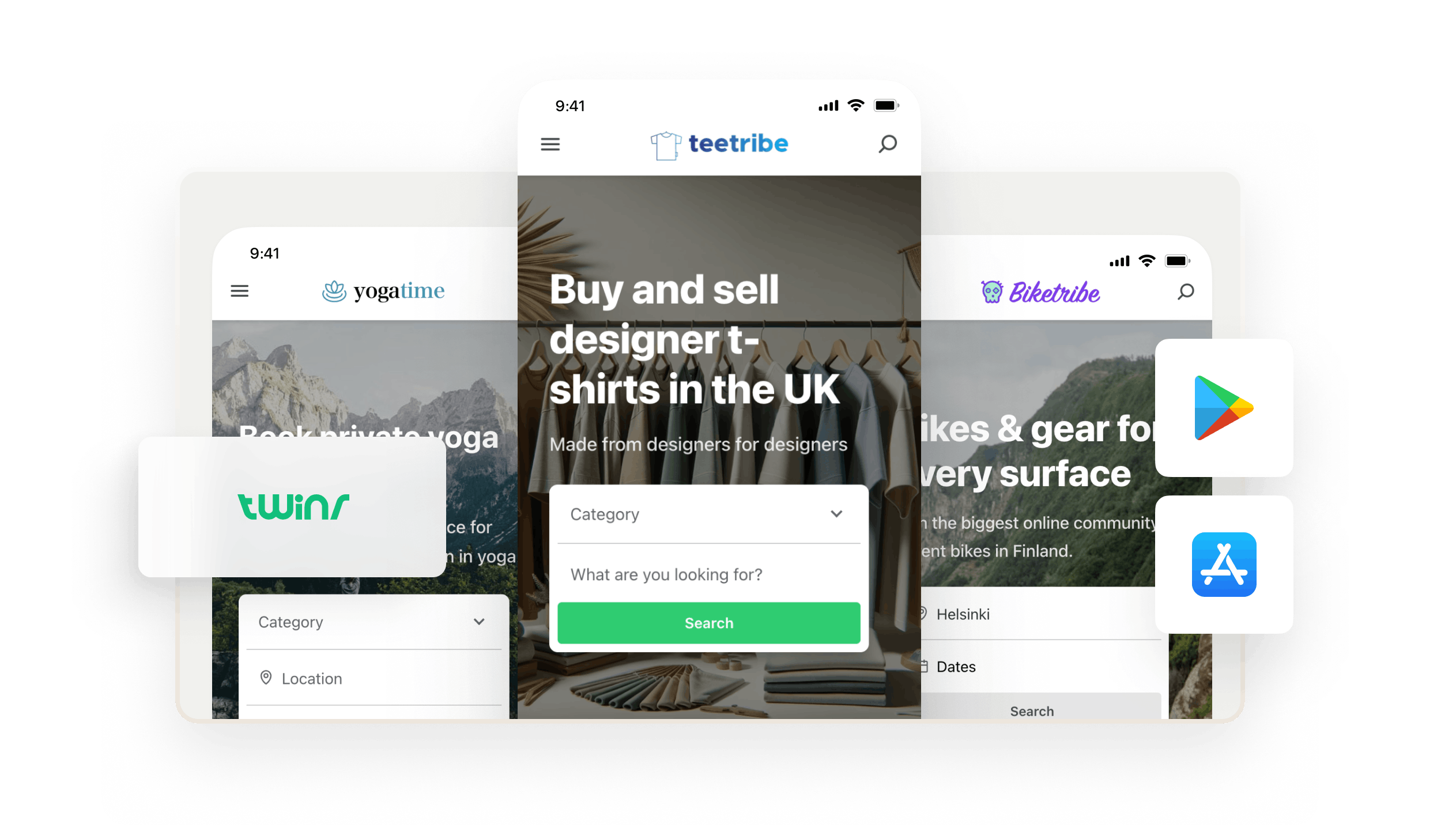
You can easily turn your existing Sharetribe marketplace into native iOS and Android apps with our partner Twinr.
Wrap your website code in a mobile app container and use Twinr’s no-code tools to customize the app. No separate codebases, no months of development—just a straightforward path for your marketplace into app stores, with an exclusive 25% lifetime discount for Sharetribe customers on all Twinr plans.
Why use Twinr?
Twinr is a no-code mobile app wrapper built to work with Sharetribe. Here's what makes the Sharetribe + Twinr combination powerful:
- Automatic syncing: The changes you publish to your marketplace website in Console are instantly reflected in your mobile apps.
- Native app experience: Your customers can download your marketplace from the Apple App Store and Google Play Store and add it to their home screen—just like any other app.
- No technical overhead: You don't need to manage separate iOS and Android codebases or hire mobile developers. Twinr handles the wrapper, and you focus on your marketplace.
How to get started with Twinr
Before creating your mobile app, we recommend having either a live Sharetribe marketplace or a test marketplace that's nearly ready to launch.
After your marketplace is ready, follow these steps:
1. Create a Twinr account
Start with a 14-day free Twinr trial to build and test your app.
2. Connect your marketplace
Follow our setup guide, connect your Sharetribe marketplace with Twinr, and customize your mobile app.
3. Claim your discount
Sharetribe customers get a lifetime 25% discount on all Twinr plans. Learn more about Twinr’s pricing and claim your discount when you're ready!
4. Publish in app stores
When your app is ready, it's time to publish it! Twinr has great instructions for getting your app into Google Play Store and Apple App Store. You'll need a live Sharetribe plan (Lite, Pro, or Extend) to publish your mobile app.
Ready to go mobile?
Mobile apps help you meet your customers where they are—and with Twinr, launching one is faster and more affordable than ever.
Check out our Twinr setup guide or create your Twinr account today.
Start your 14-day free trial
Create a marketplace today!
- Launch quickly, without coding
- Extend infinitely
- Scale to any size
No credit card required