Applications
Applications are used to manage the credentials you use to access the Sharetribe APIs.
Add a new application
In Sharetribe, accessing the Marketplace API or the Integration API starts with creating an application.
Creating an application will provide you with the Client ID and a Client Secret. These credentials are used to authenticate via the Authentication API. Using an Access Token returned by the Authentication API, you can make calls to the Marketplace API and the Integration API.
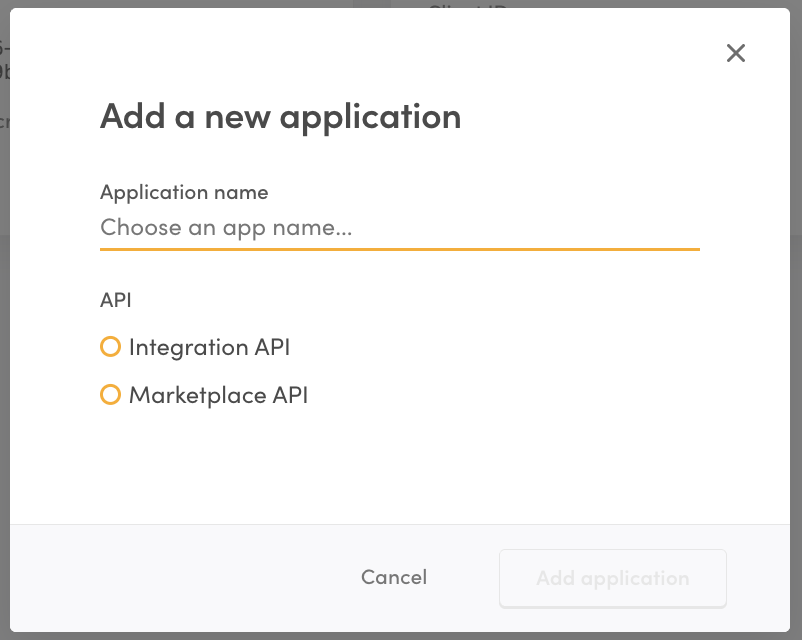
Applications come in two types: Marketplace API applications and Integration API applications. Both types of applications have both a client ID and a client secret. As a general rule, the client ID can be considered public information, while the client secret must always be kept secure.
Best practices
- Create a separate application for each of your systems that access the Sharetribe APIs. For example, if you have a web and a mobile app, create two separate Marketplace API applications.
- Name your applications so that it is easier for you to recognize how each one is used. For instance, use names like “Web UI”, “iOS mobile app”, “reporting”, “mailing list integration”, etc.
- Store your application credentials in a secure place, such as a password manager. The client ID of each application is visible in Console, but you can only view the client secret when the application is first created. This means that if you haven’t stored your client secret, you will not be able to view it later.
- When an application is deleted, all API clients using the associated Client ID and Secret will stop working.
Always keep your applications’ client secret secure. Never expose it in a untrusted device or application, such as end users’ browsers or mobile apps.